



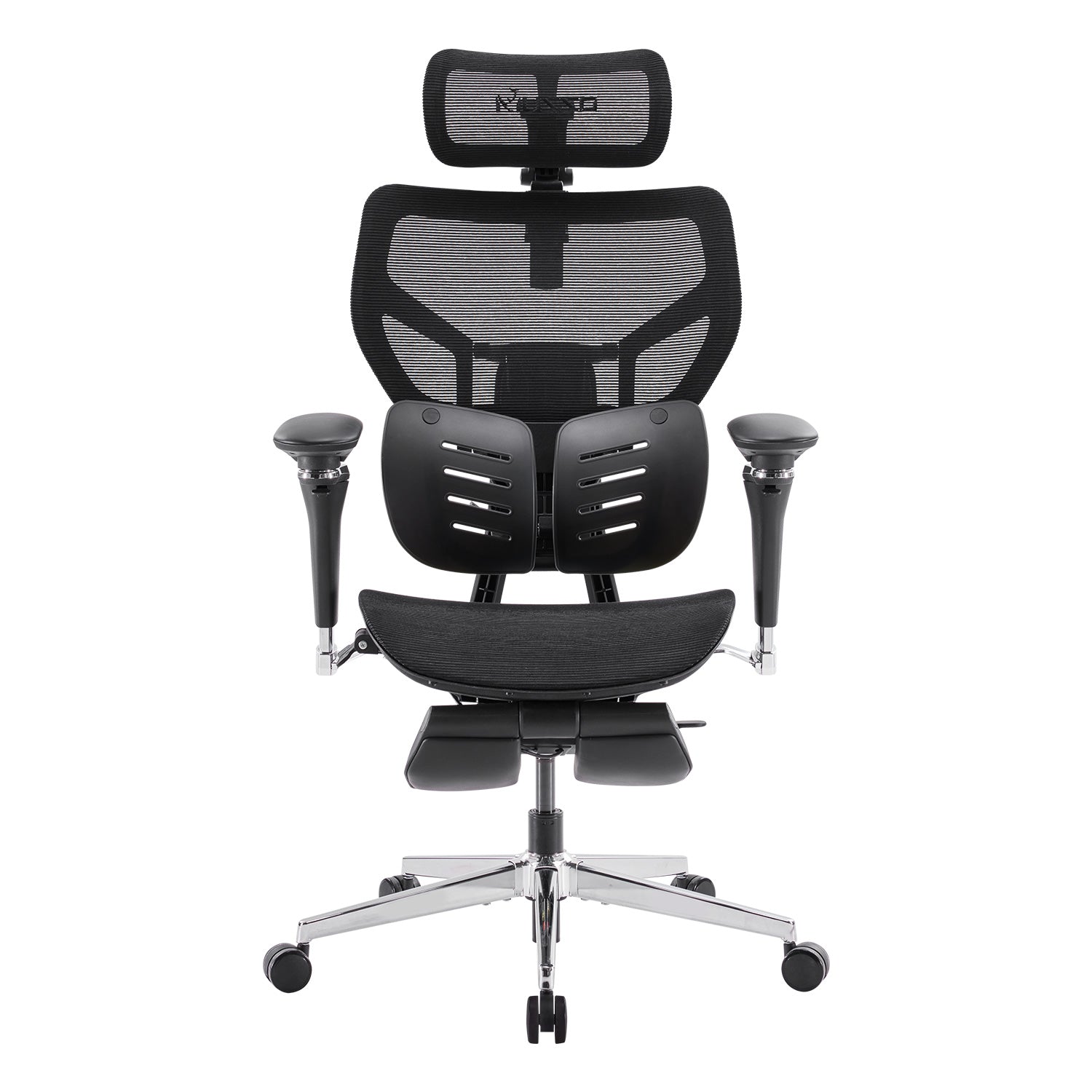
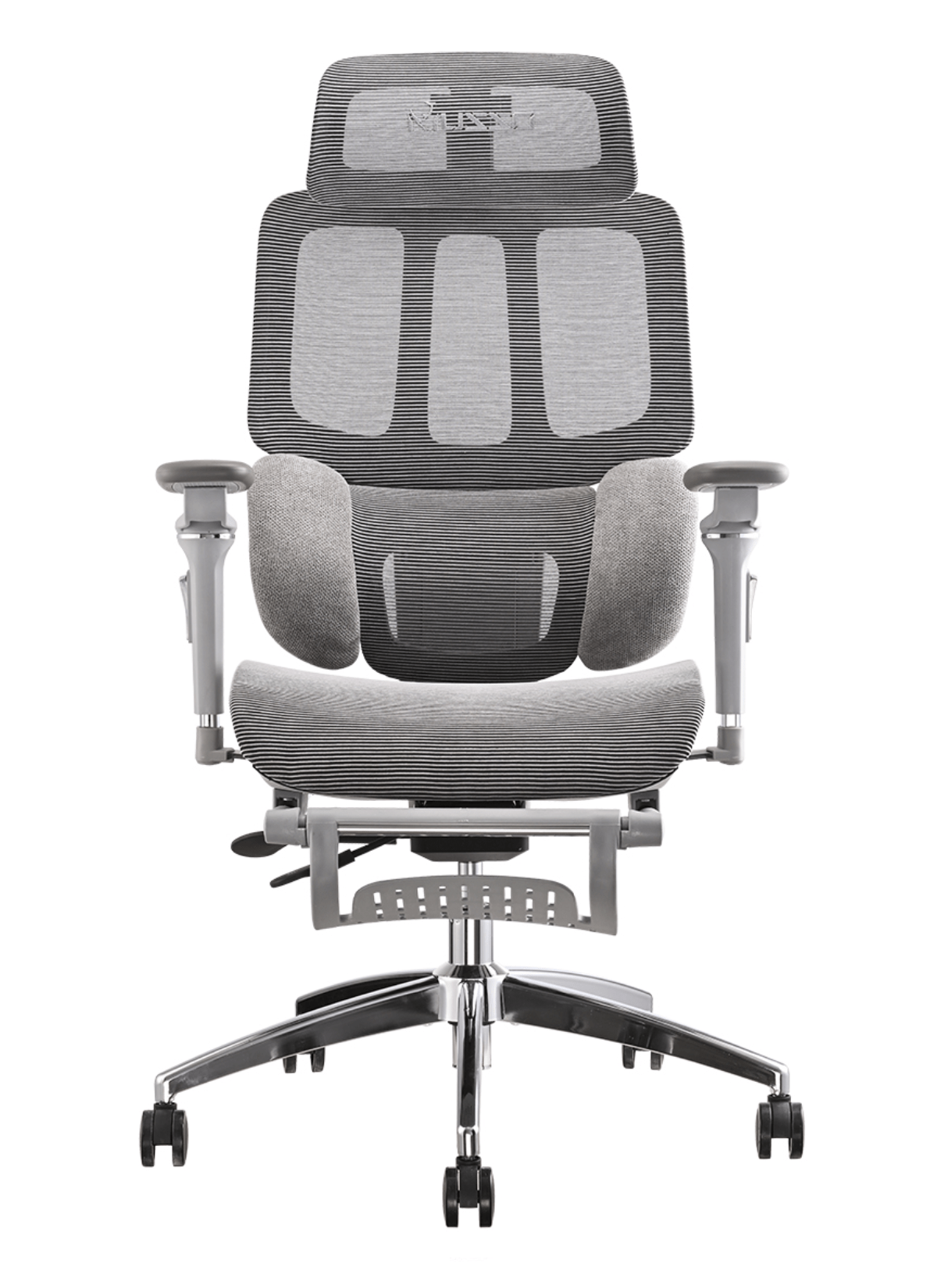
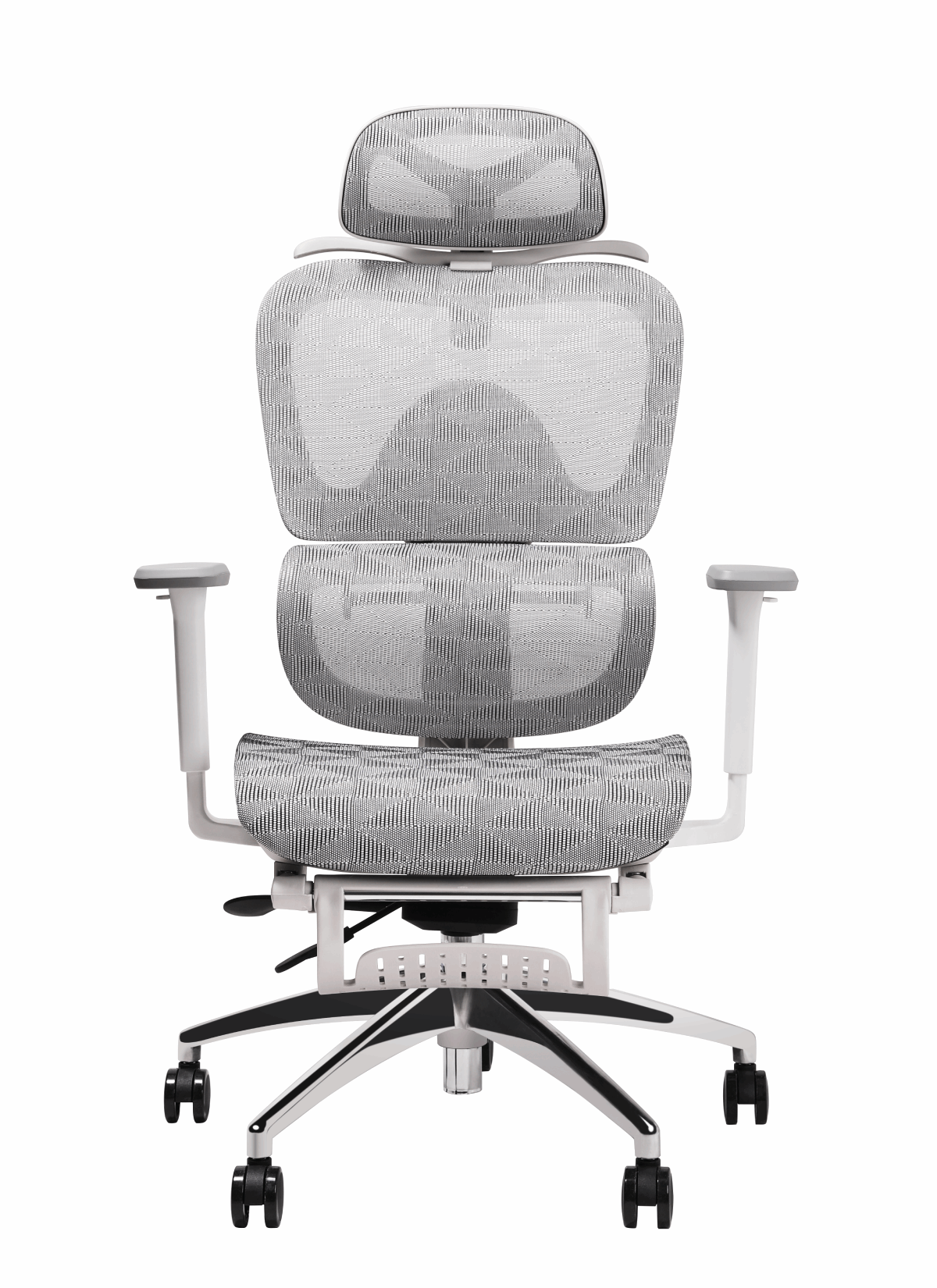
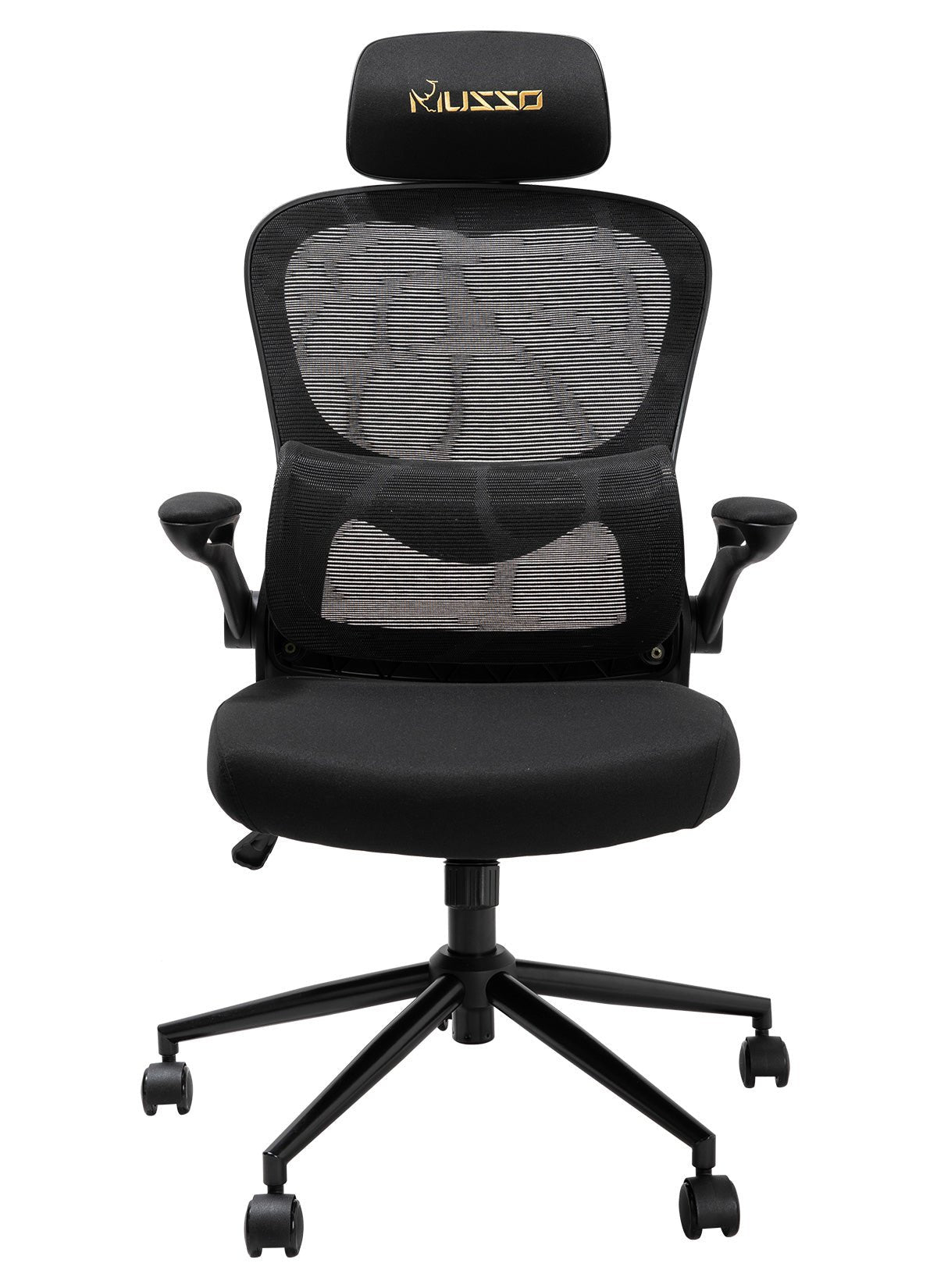
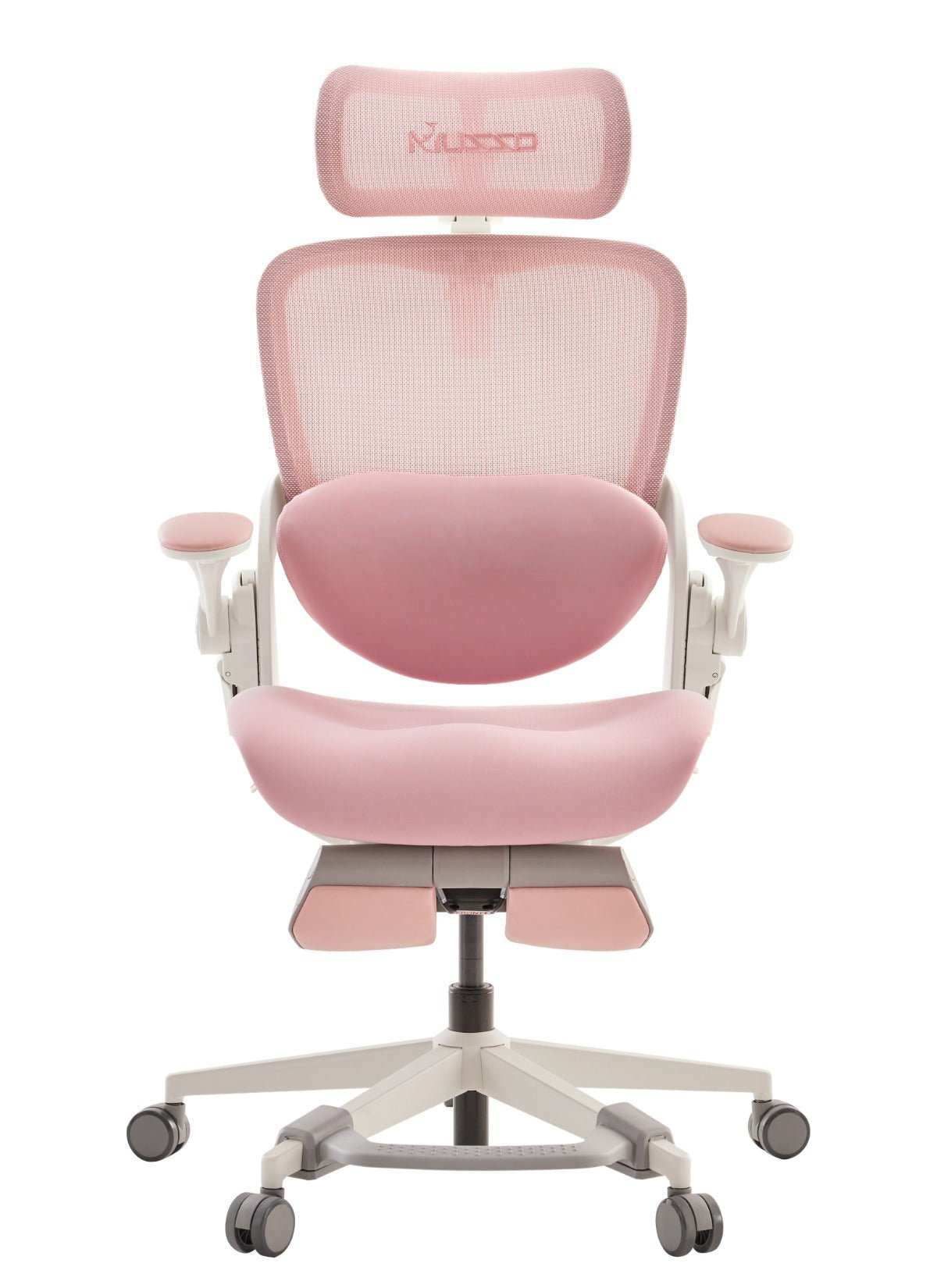

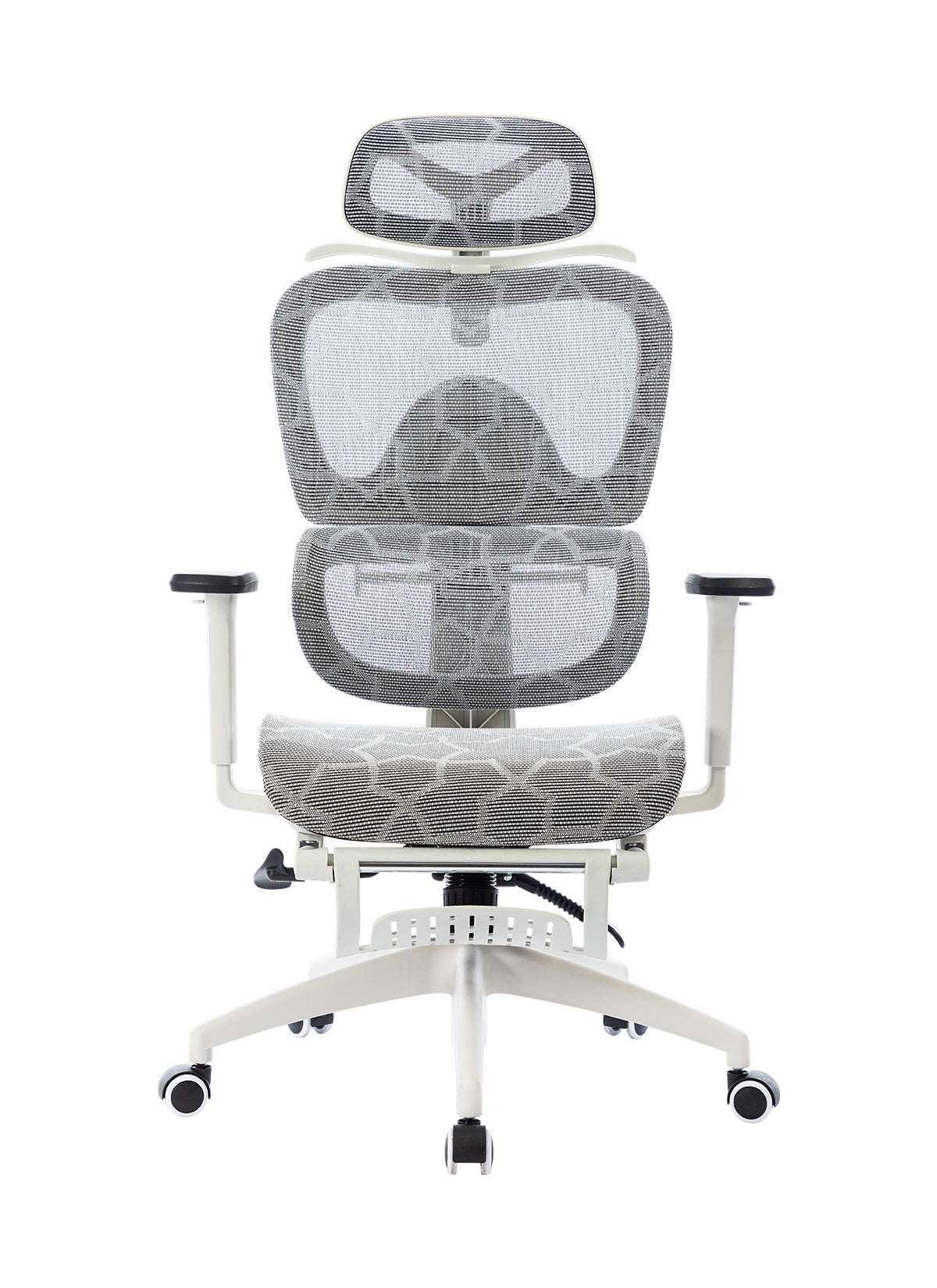
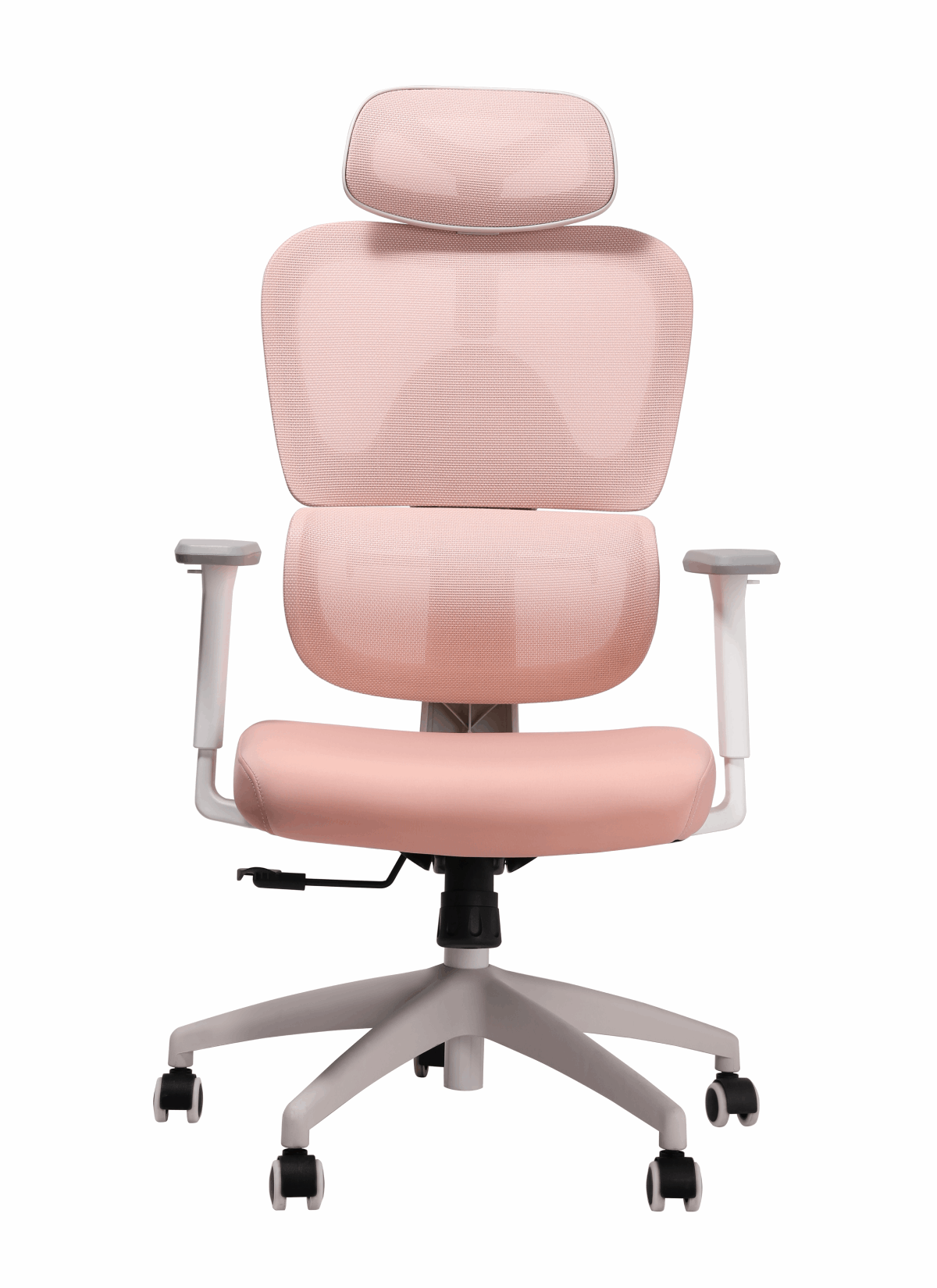

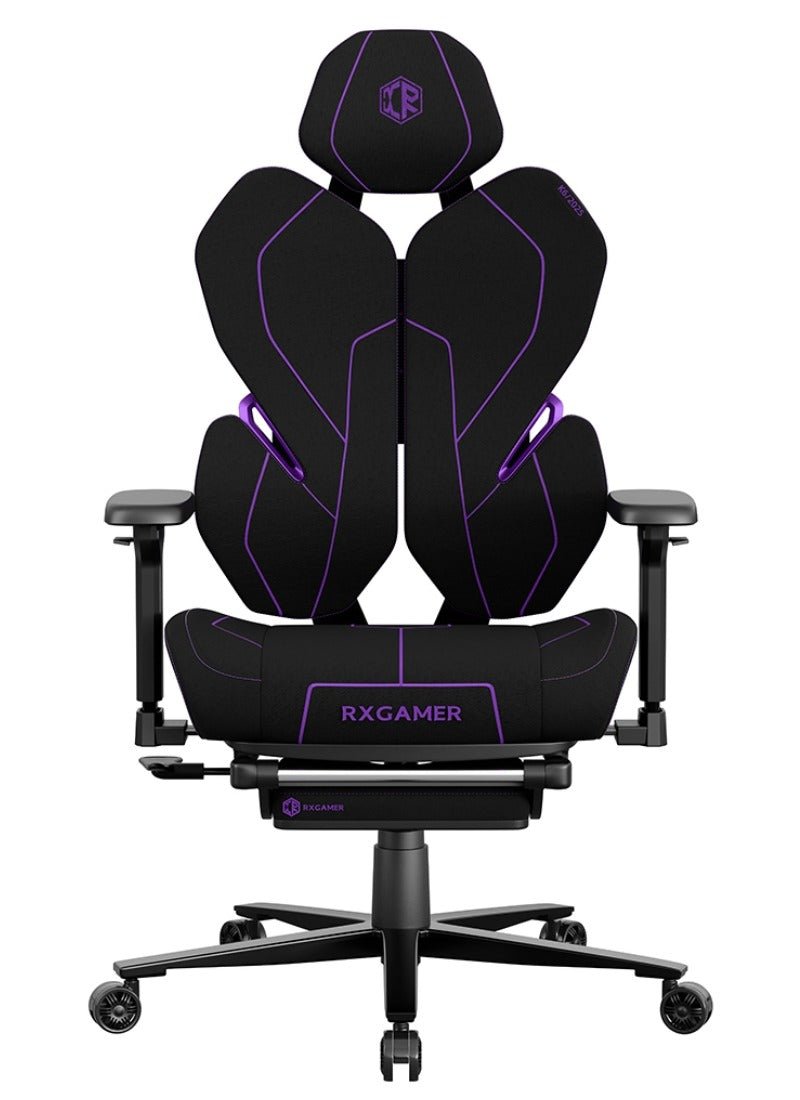
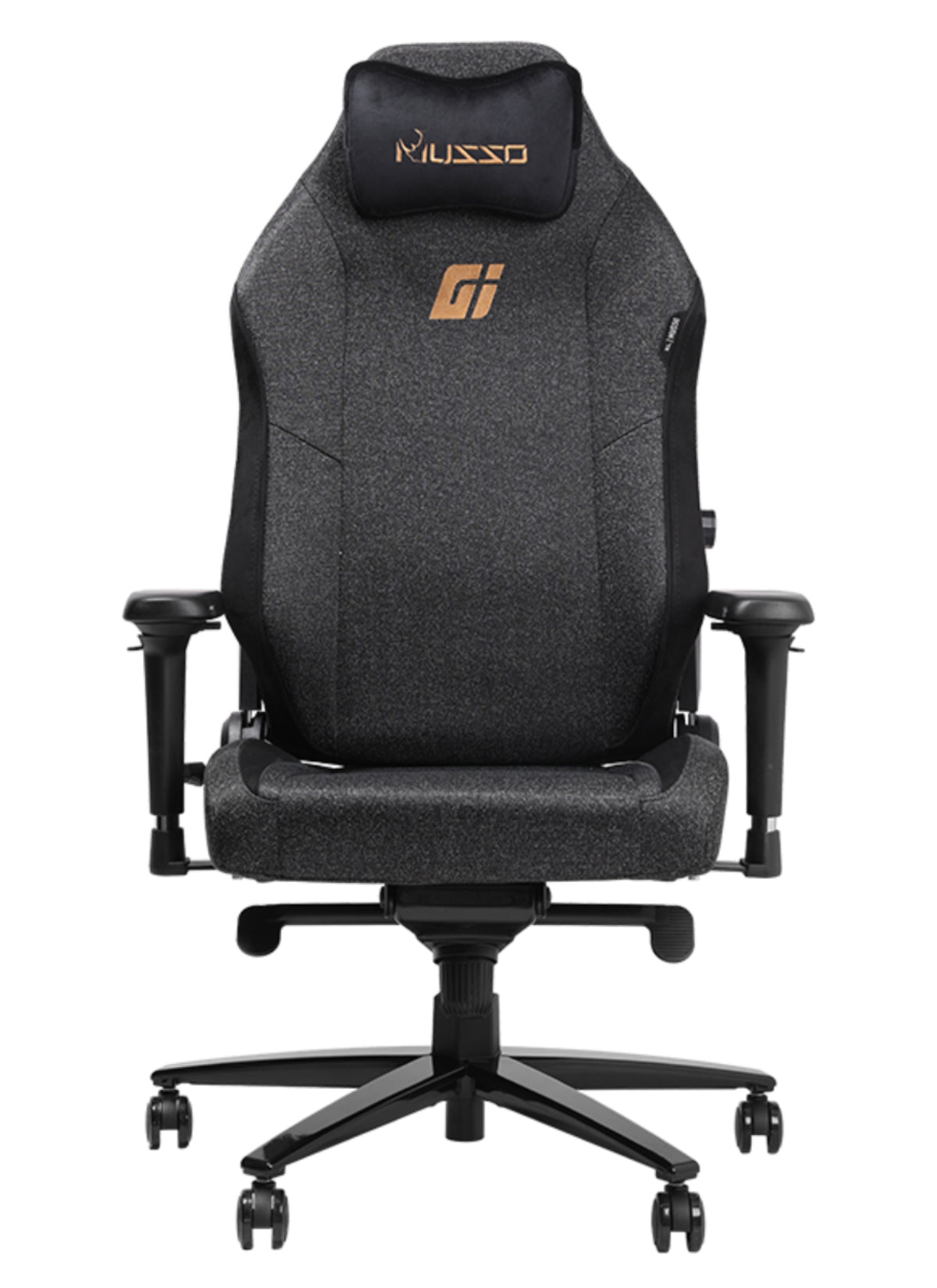
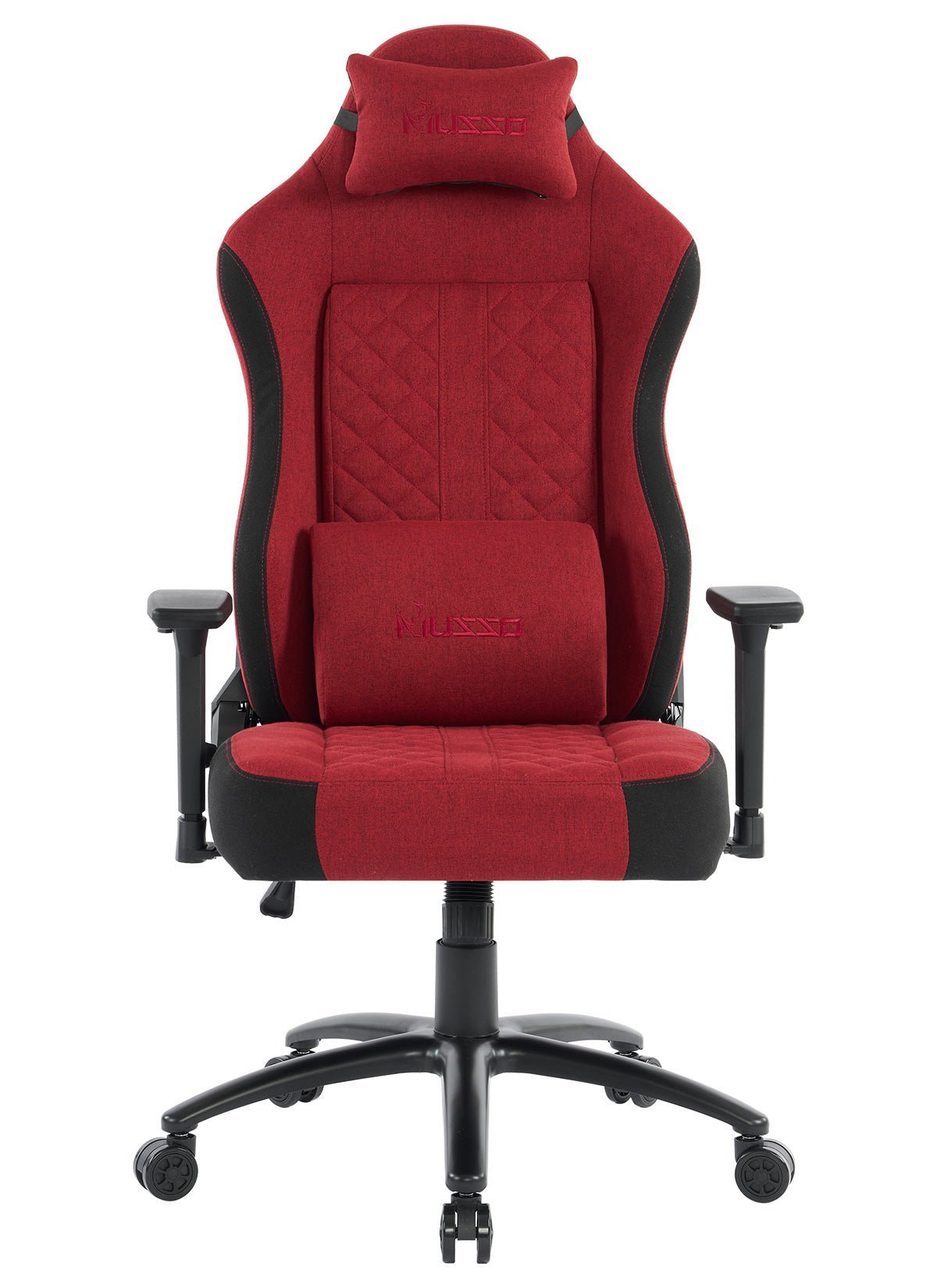
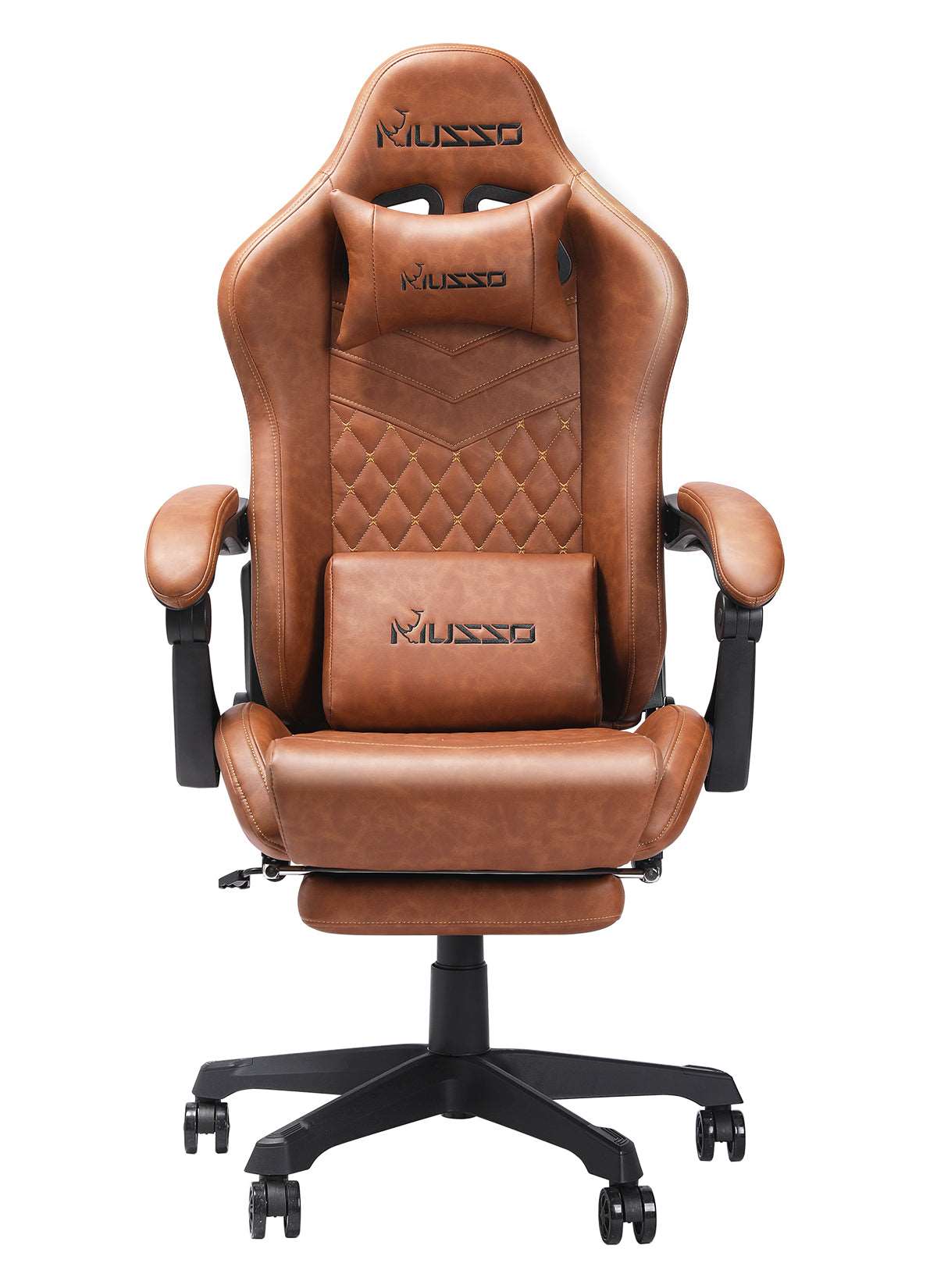
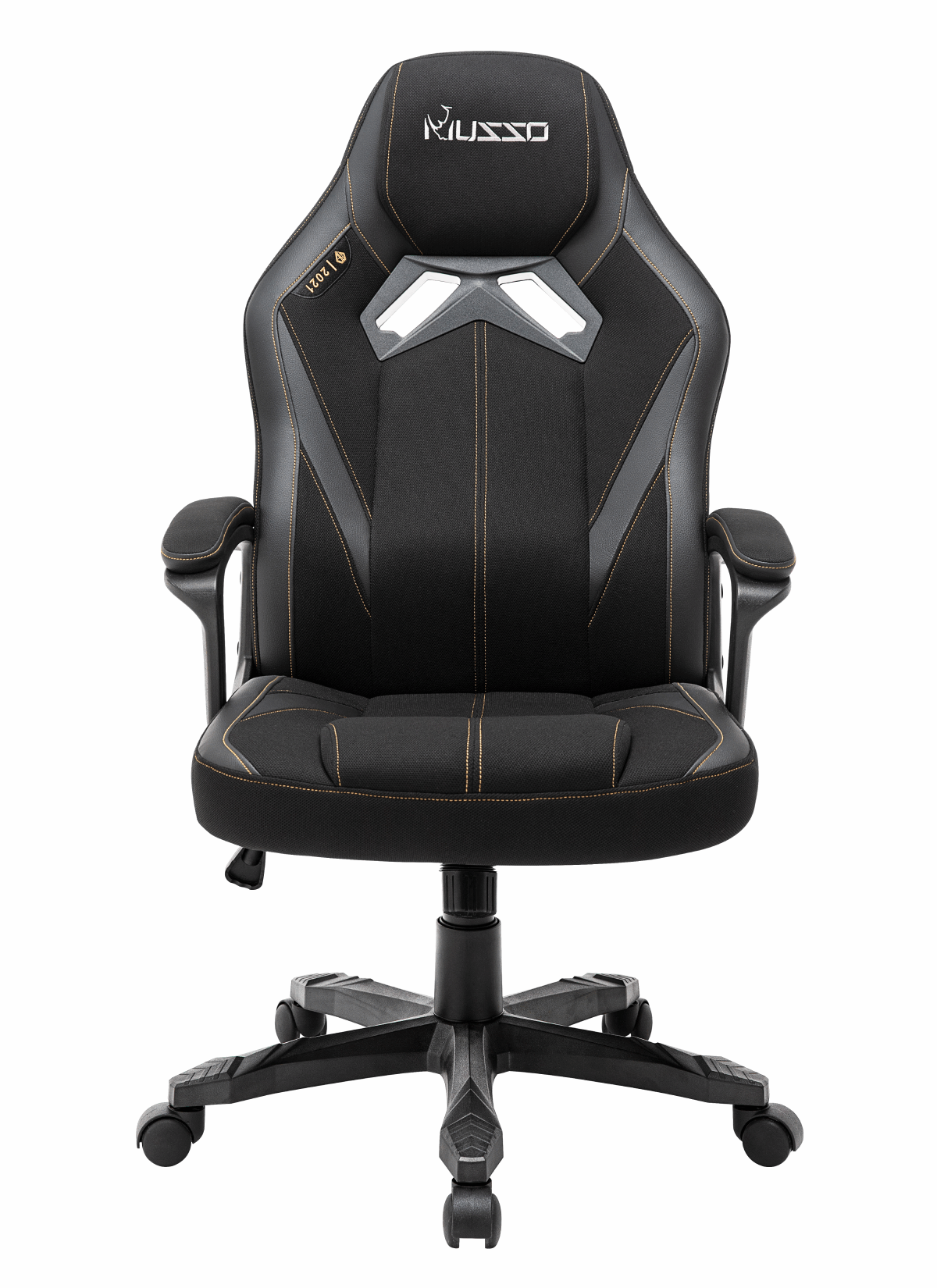
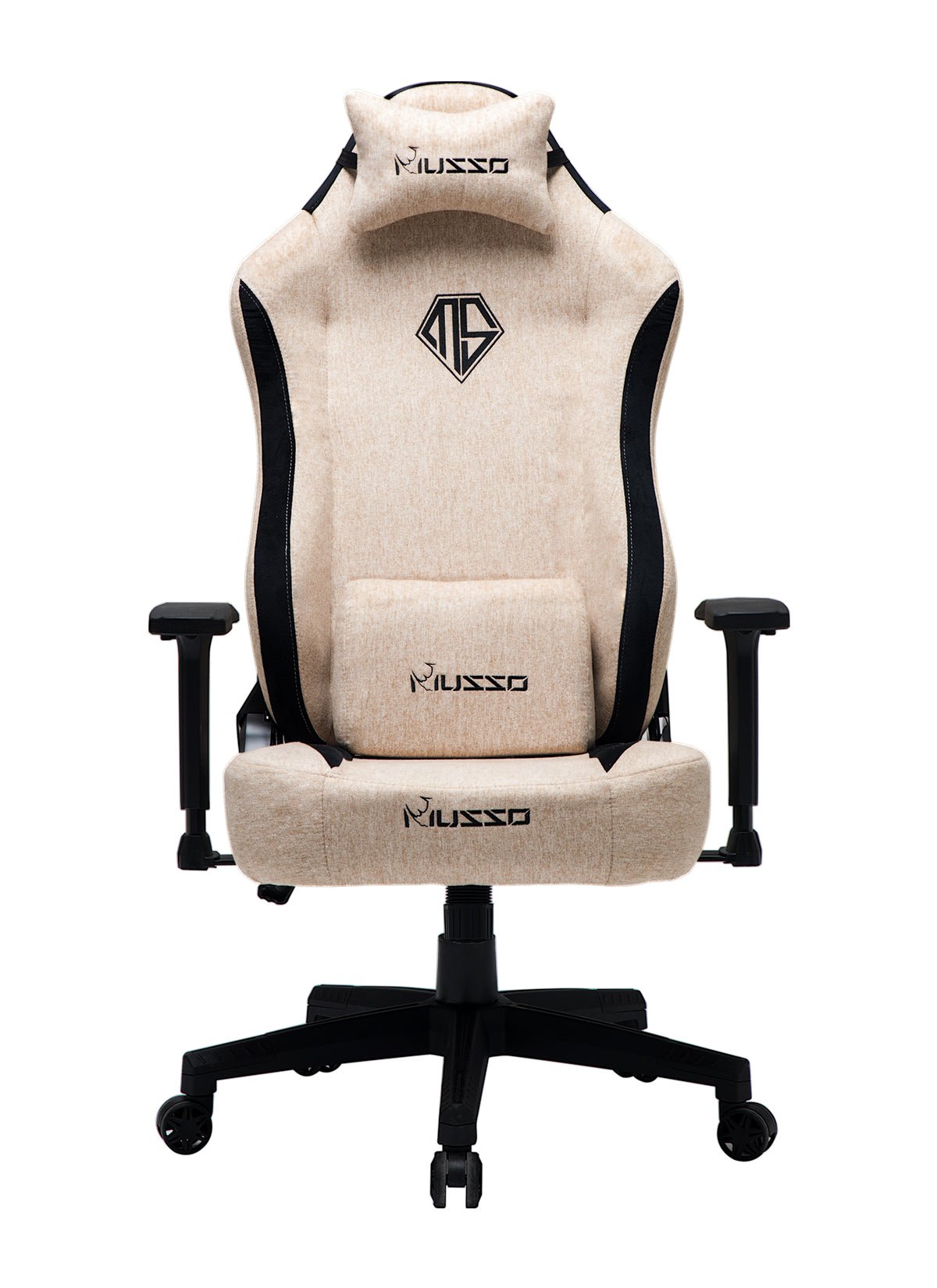
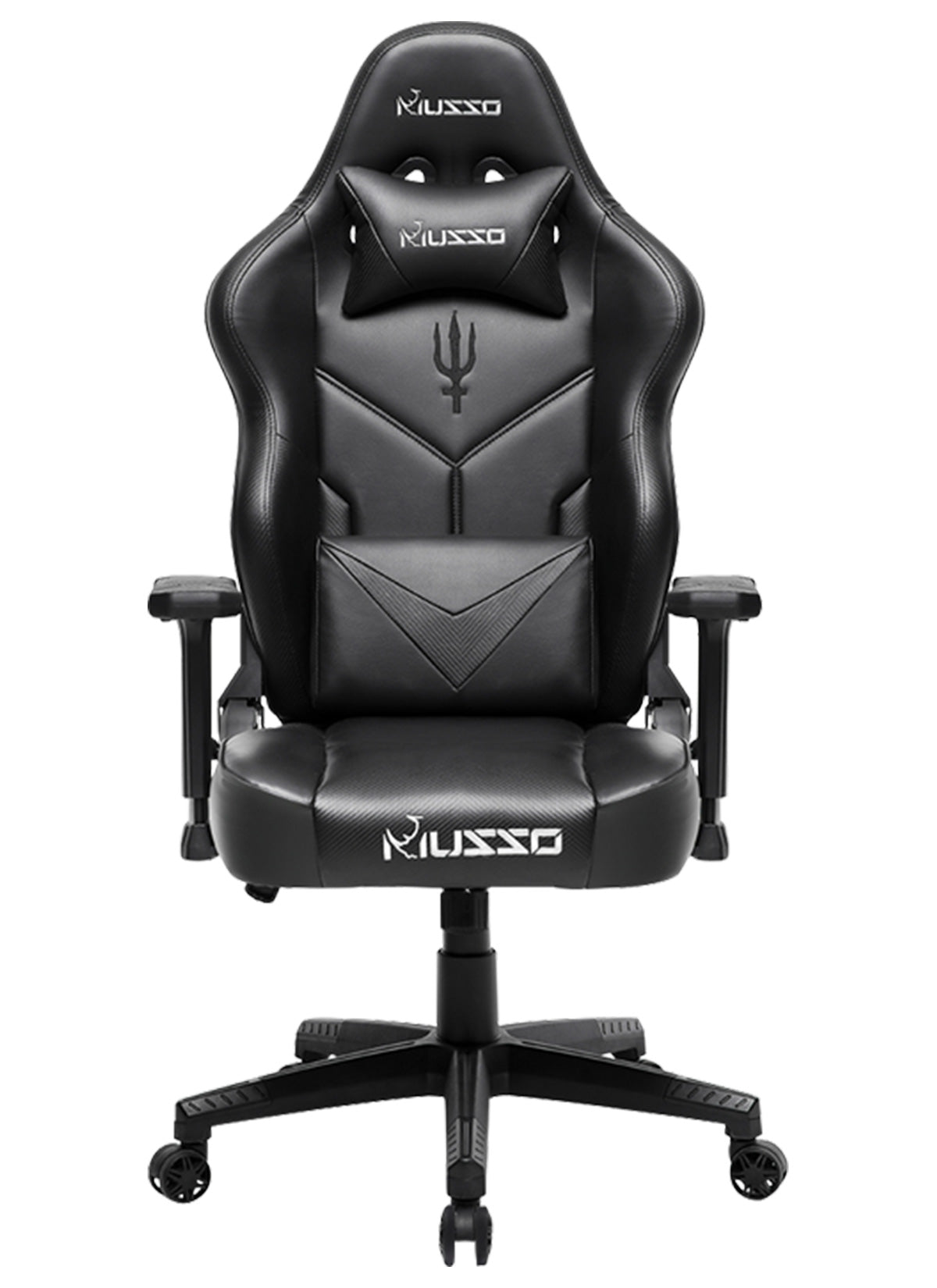
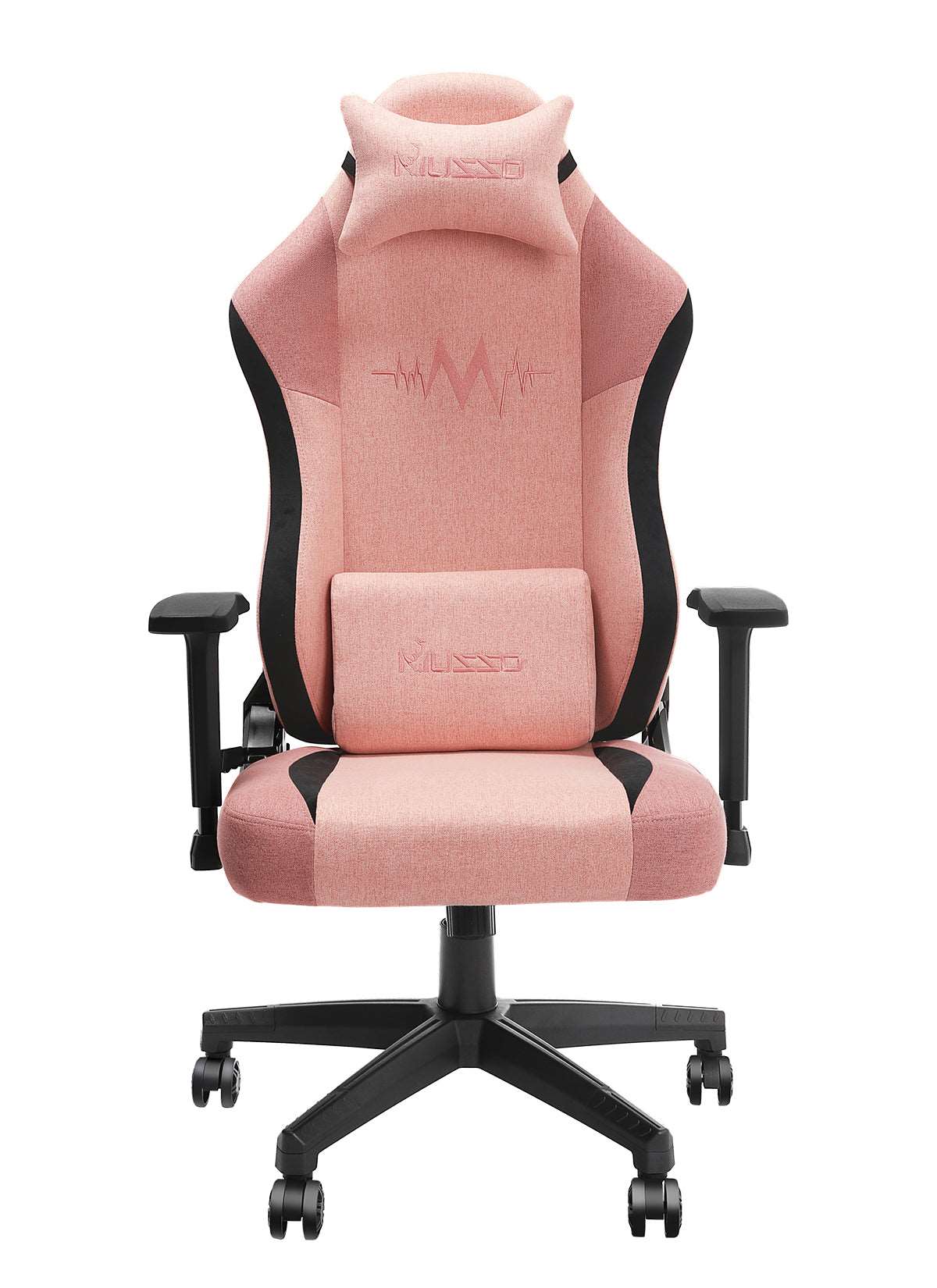
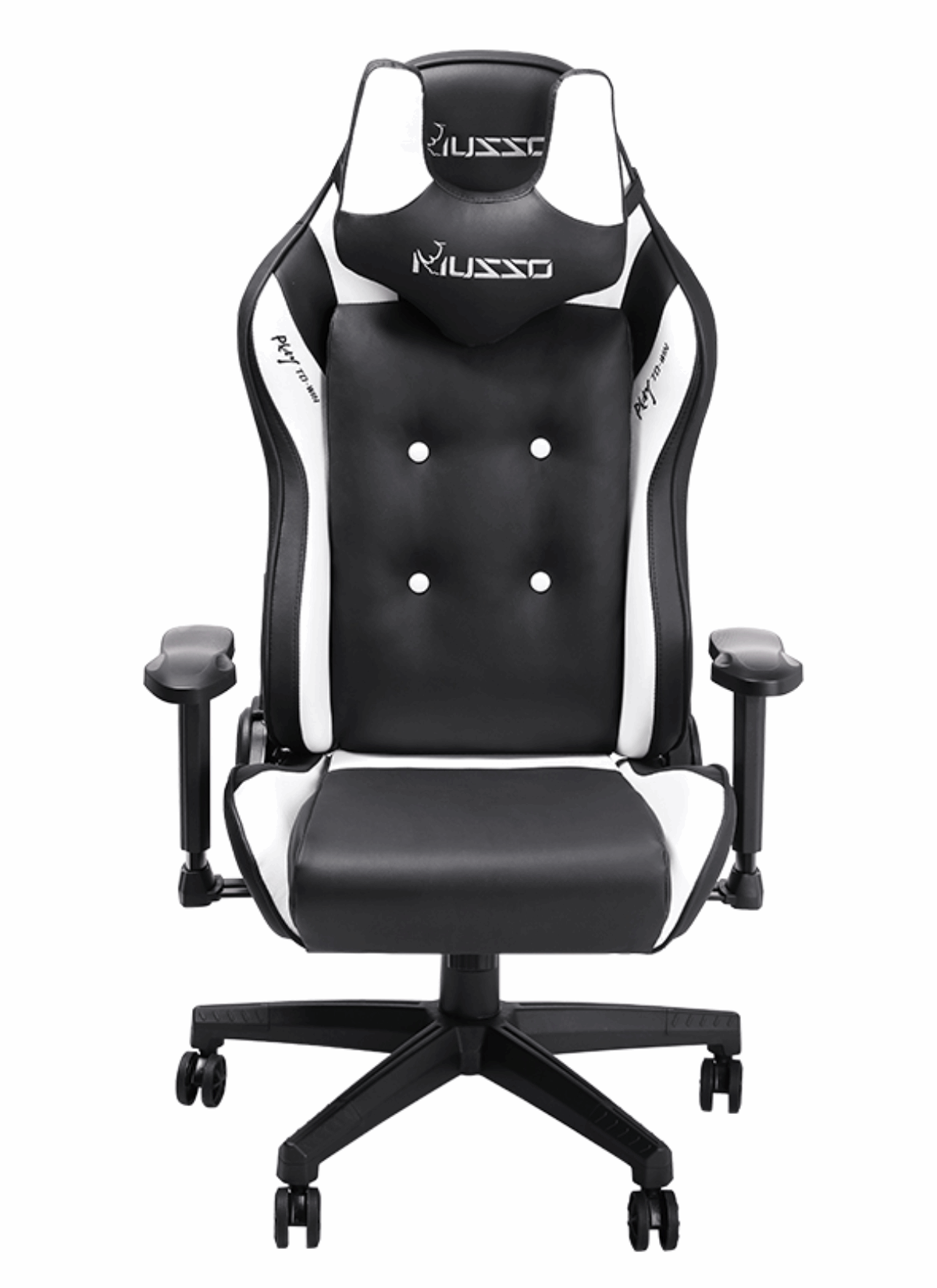
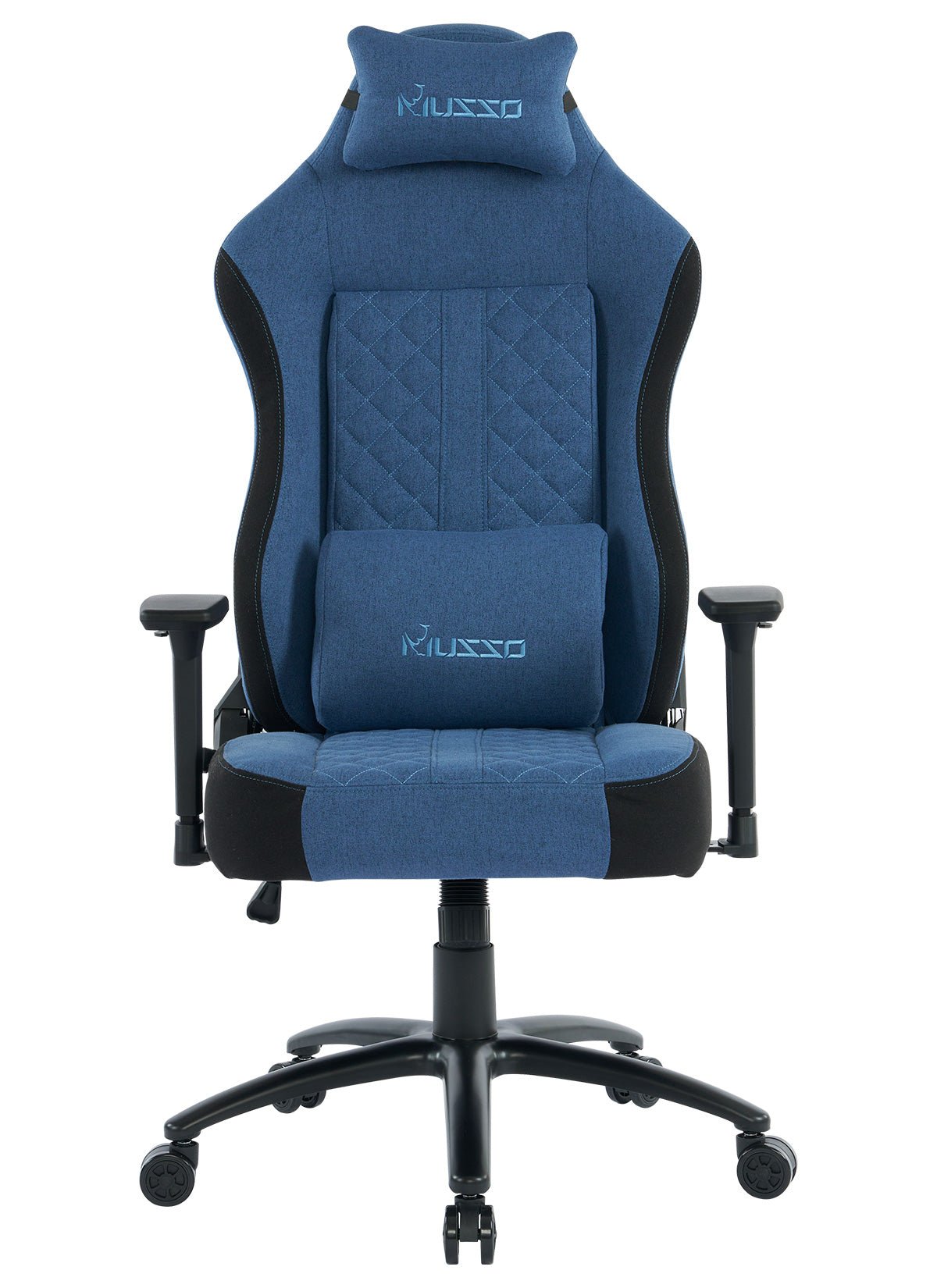
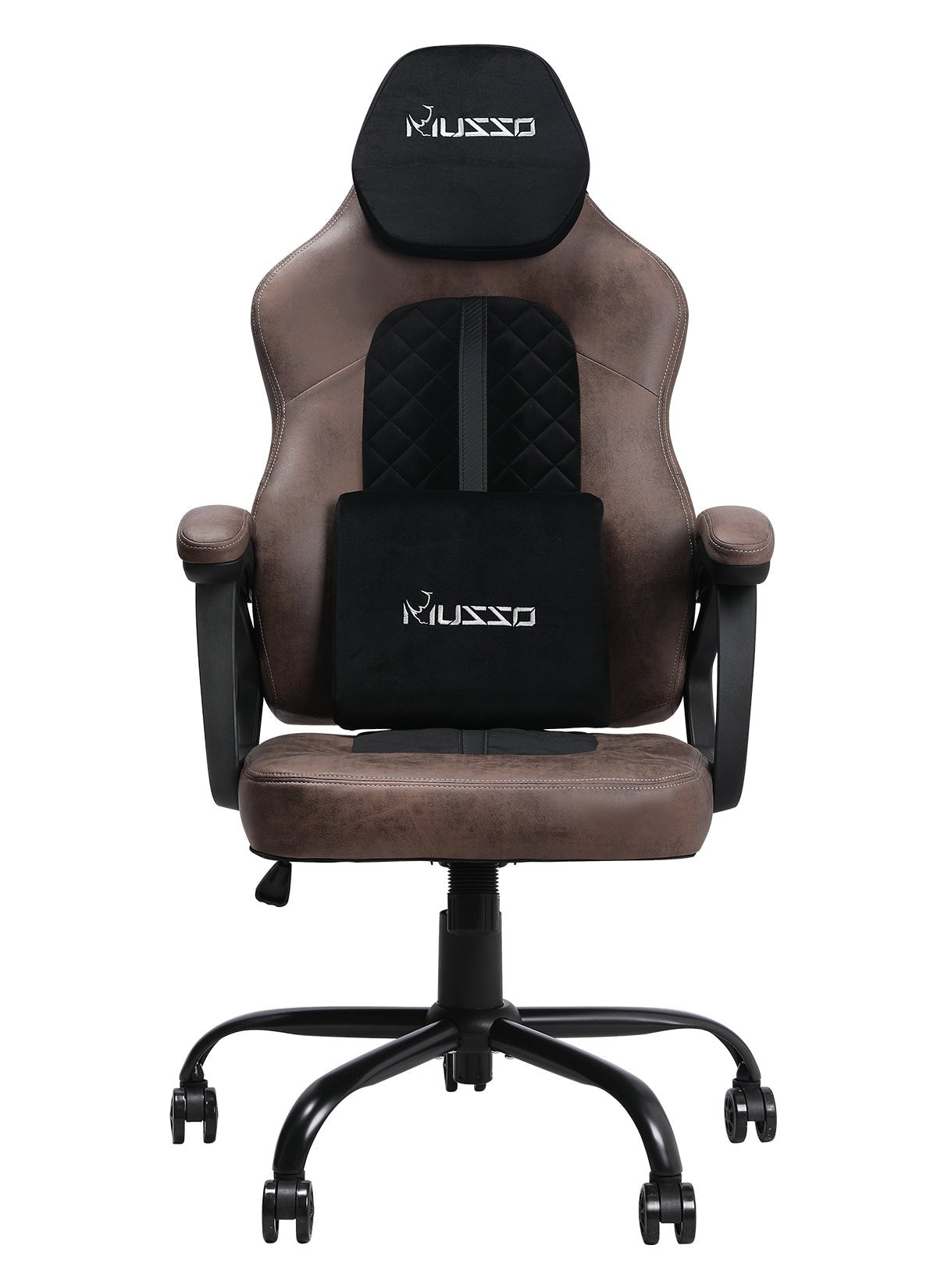


Prolonged sitting has become the norm in modern life, whether for work, study, or gaming. Incorrect posture can lead not only to back pain but also to neck and shoulder problems, and even circulation issues. Finding the most suitable ergonomic sitting posture is not only about comfort but also about long-term health, work efficiency, and overall energy levels. Whether you spend long hours working, gaming, or studying at your desk, your posture significantly impacts your body.
Many people think that simply having "good posture" is enough, but true ergonomic sitting posture is much more than that. It's a holistic balance—the chair, desk, monitor, and even your posture habits must work together to support the spine, reduce pressure points, and maintain smooth blood circulation.

I. Why Is Ergonomic Sitting Posture So Important?
Protecting Spinal Health: Incorrect posture puts continuous pressure on the spine, potentially causing problems such as herniated discs and neck stiffness. Correct posture allows the spine to maintain its natural curve, reducing the risk of chronic pain.
Improving Work Efficiency: A comfortable sitting posture reduces physical fatigue, allowing you to focus better and complete work or study tasks more efficiently.
Improving Blood Circulation: Prolonged sitting can compress the legs, affecting blood flow. Proper posture helps maintain smooth circulation in the lower limbs, reducing the risk of varicose veins and edema.
II. Key Points for Optimal Ergonomic Chair Posture
Backrest Firm Against the Spine: The backrest should support the entire spine, especially the natural curve of the lumbar region. Use a chair with lumbar support cushions or add a small pillow if needed.
Feet Flat on the Ground: Knees and hips should form approximately a 90-degree angle, with both feet fully on the floor. If the chair height is unsuitable, use a footrest.
Thighs Parallel to the Ground: Avoid dangling thighs or excessive pressure against the chair seat. Keeping thighs parallel helps maintain smooth blood circulation.
Arms Naturally Bent: Elbows at a 90-degree angle, shoulders relaxed, forearms lightly resting on the desk. Avoid shrugging shoulders or leaning forward to brace yourself.
Eyes Parallel to the Screen: The top of the computer screen should be slightly below eye level, at a distance of approximately 50–70 cm. This reduces cervical spine strain and prevents excessive head tilting.
Move Regularly: Get up, move around, or stretch every 45–60 minutes. Even with perfect posture, prolonged sitting can negatively impact health. H80-PRO
III. Common Posture Mistakes
Leaning forward against the desk: Causes shoulder tension and cervical spine pressure.
Crossing your legs for long periods: Obstructs leg circulation and increases lower limb burden.
Large gap between chair back and body: Reduces lumbar support, increasing the risk of lower back pain.
Correcting these habits can significantly improve comfort and work efficiency.
IV. Ergonomic Chair Tips
Adjust the backrest angle: Recline slightly to distribute back pressure, but do not exceed 100 degrees.
Use a lumbar cushion or neck pillow: Fill gaps between the chair and your body for extra support.
Choose the right seat height: Ensure knees are level with hips and feet naturally touch the ground.
Keep your desk tidy: Leave enough space for your arms to rest comfortably, avoiding forward leaning or twisting your waist while using the keyboard and mouse.

V. Conclusion
Correct ergonomic sitting posture not only improves comfort but also helps prevent chronic lower back and neck pain, shoulder strain, and other issues. By adjusting chair height, maintaining the spine's natural curve, paying attention to hand and foot positions, and incorporating regular movement, you can maintain a healthier state during work or study.
Remember, prolonged sitting is unavoidable, but sitting correctly allows your body to work efficiently and comfortably for longer periods.
