



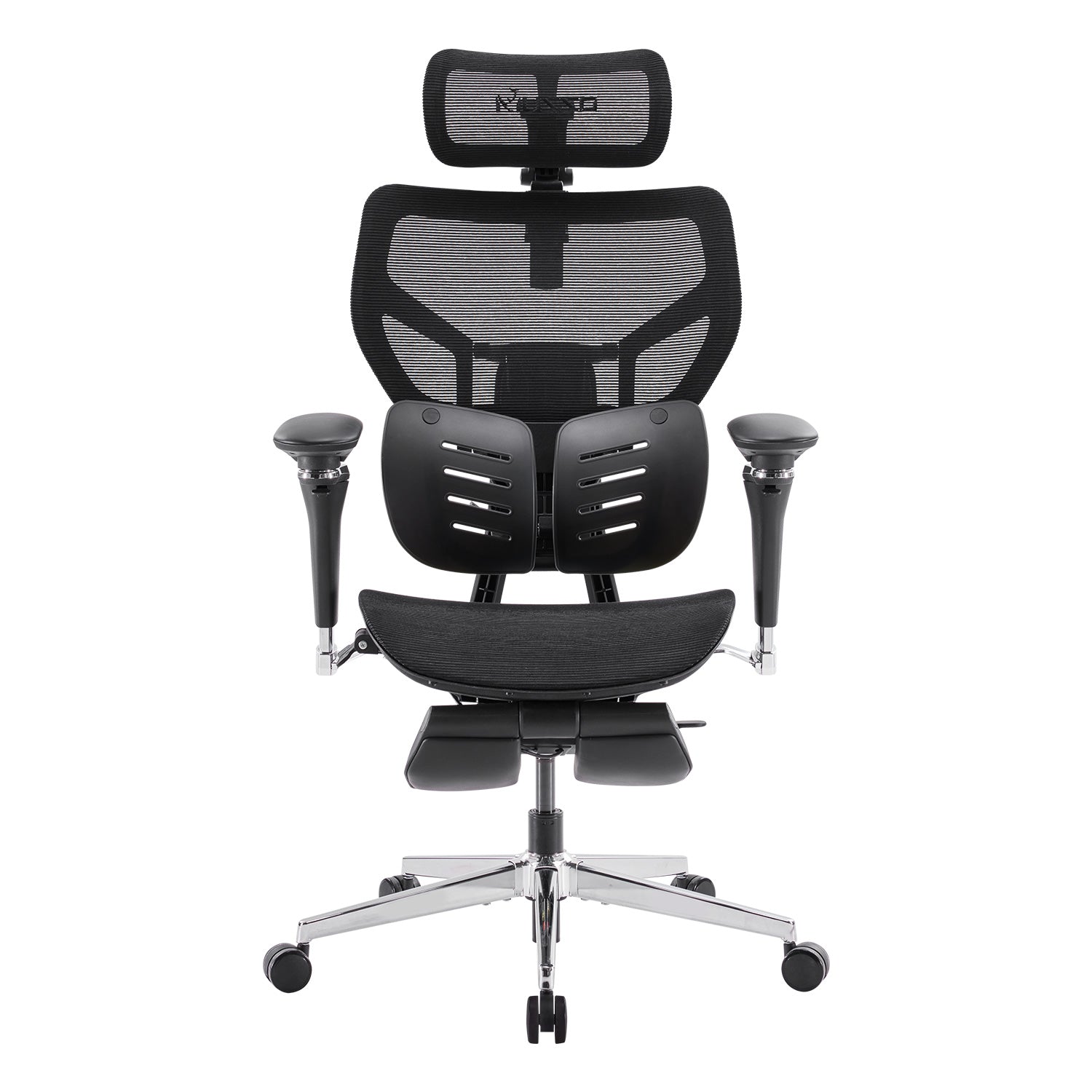
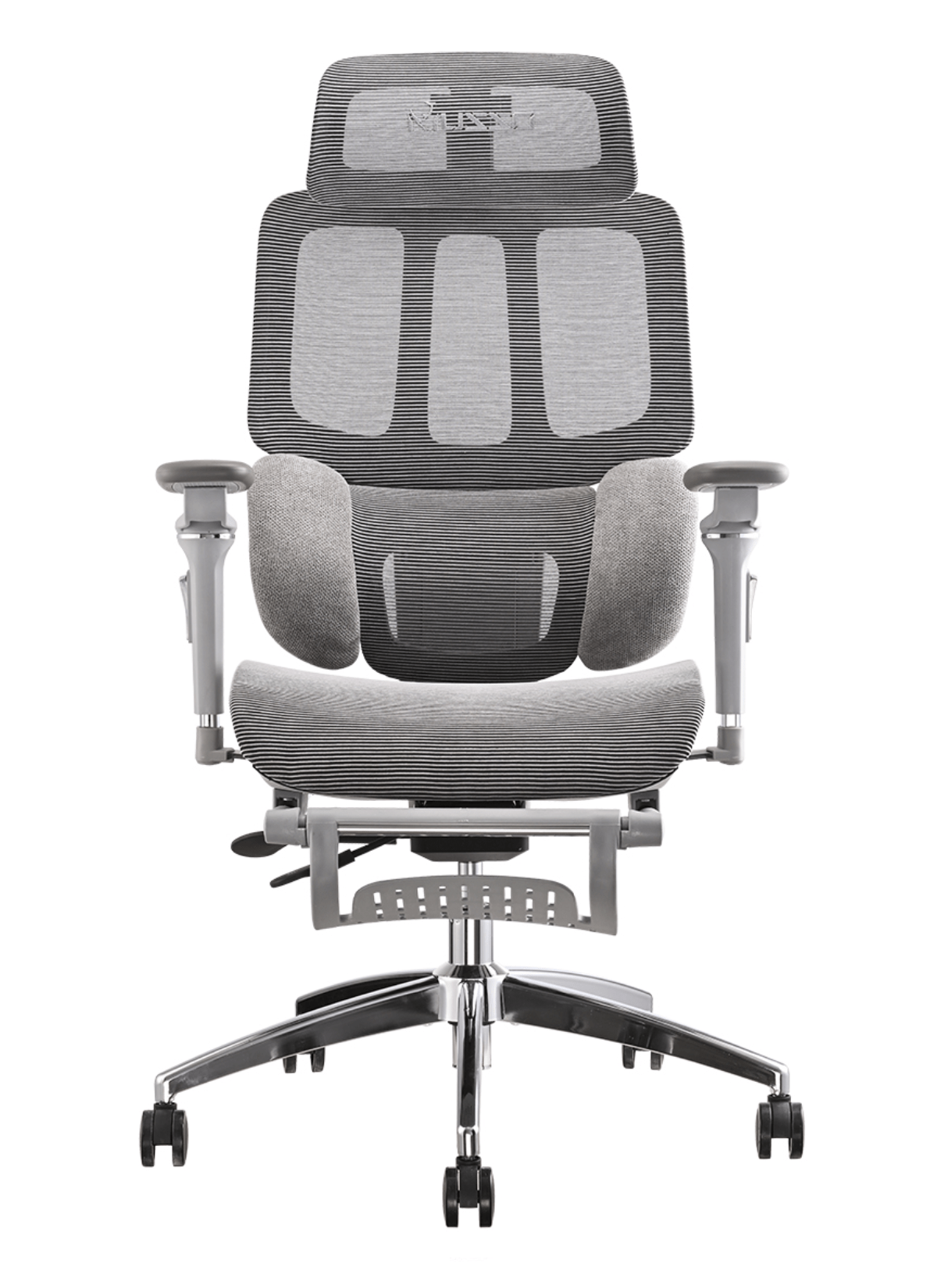
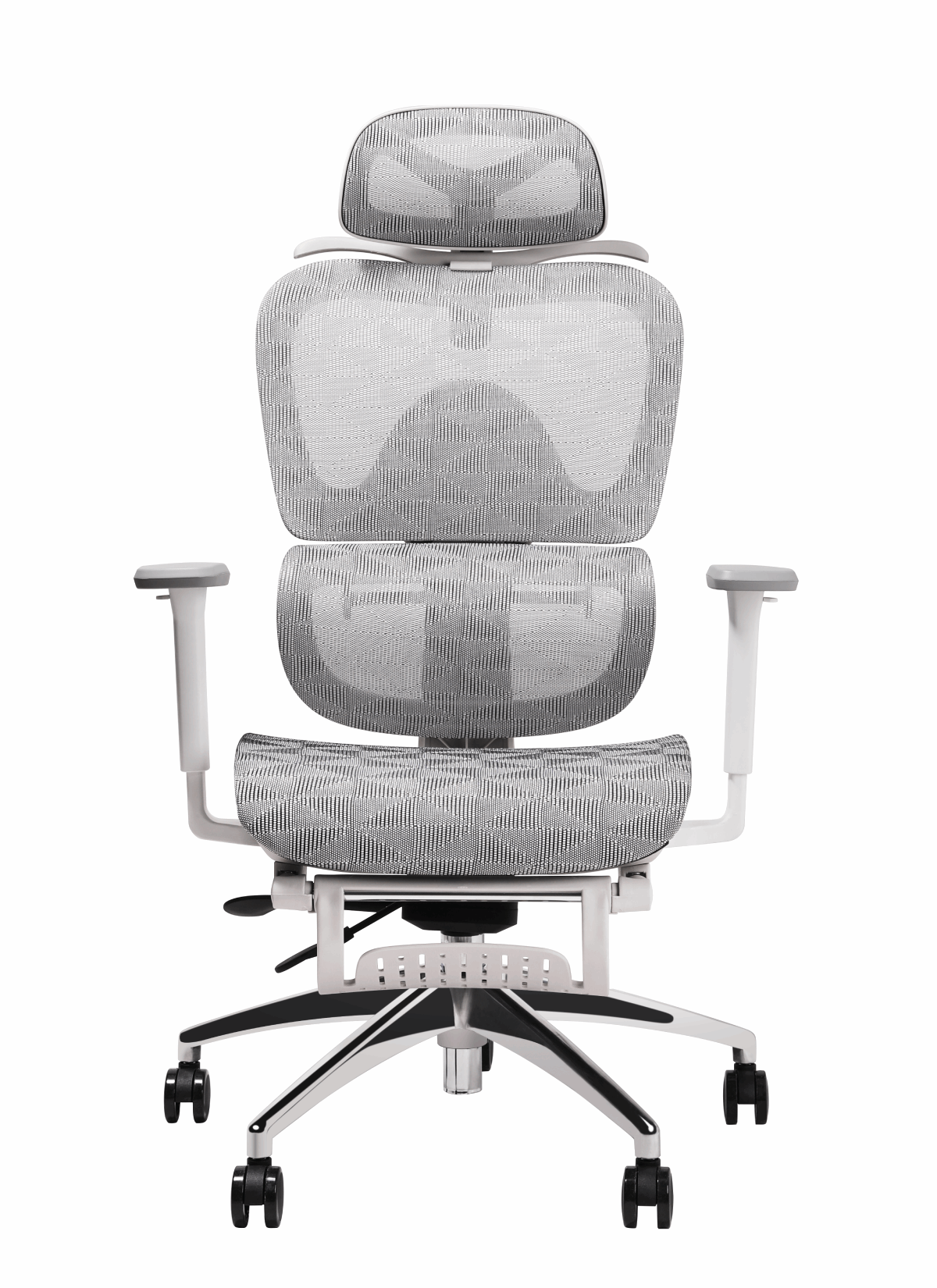
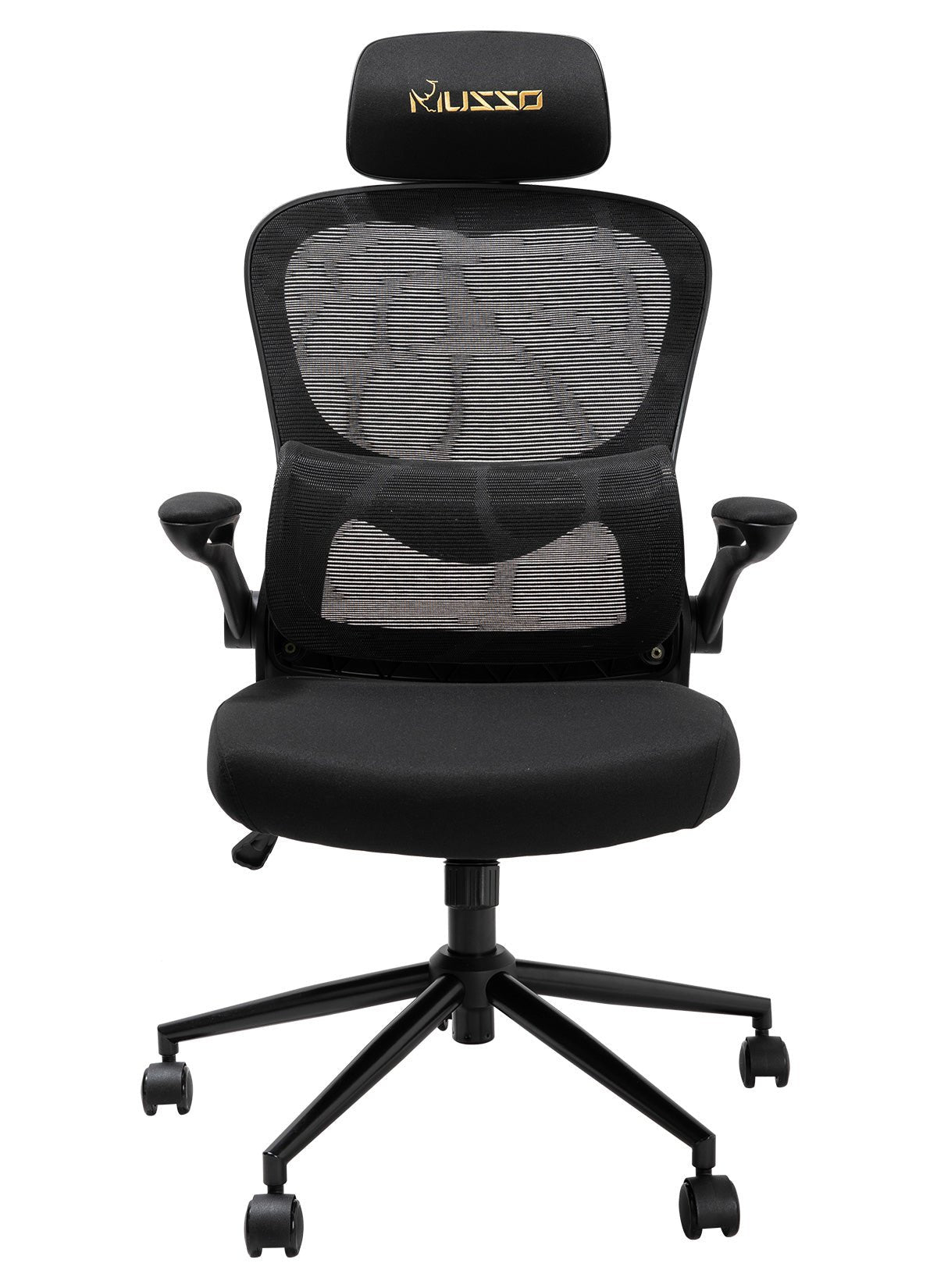
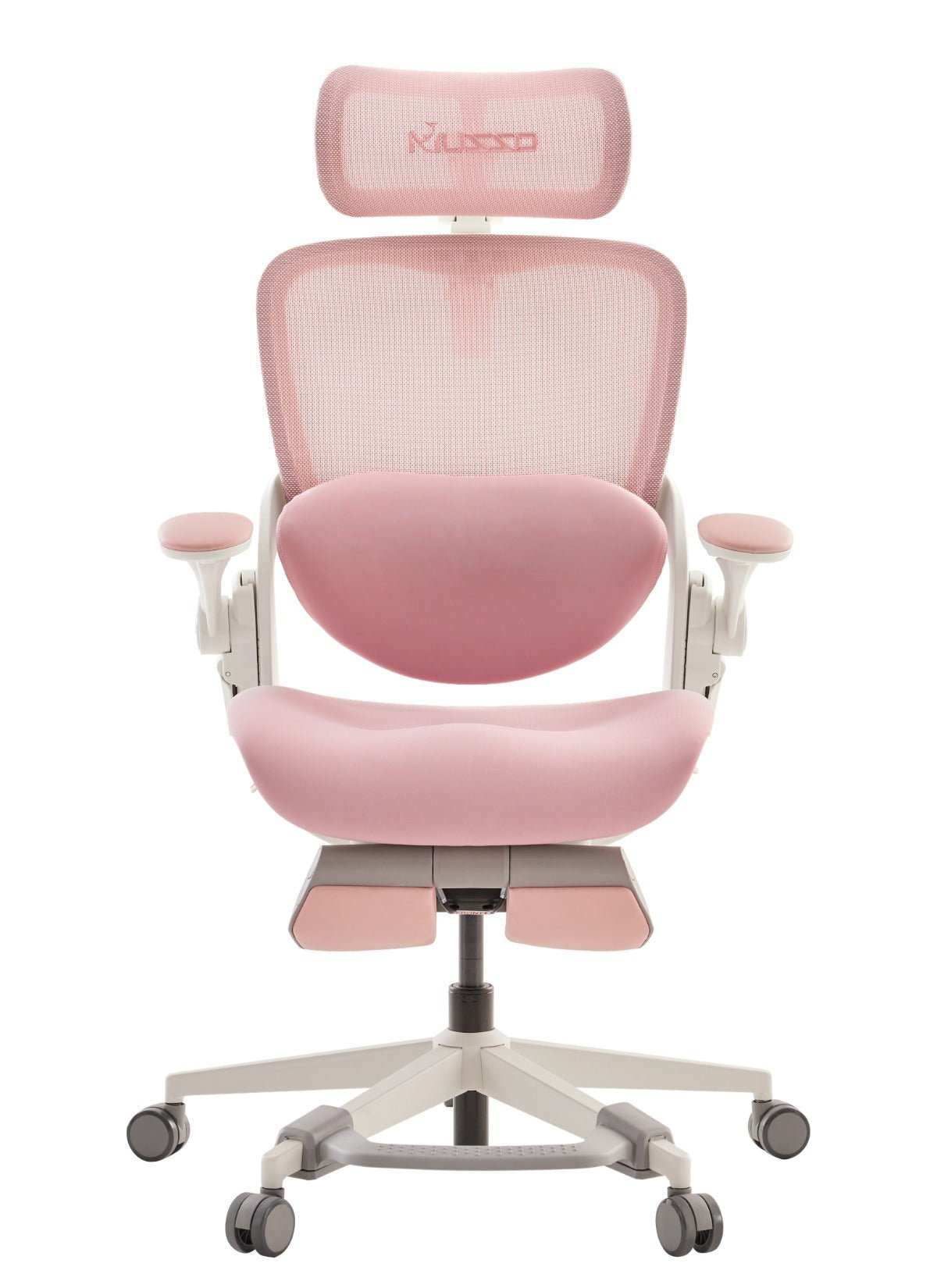

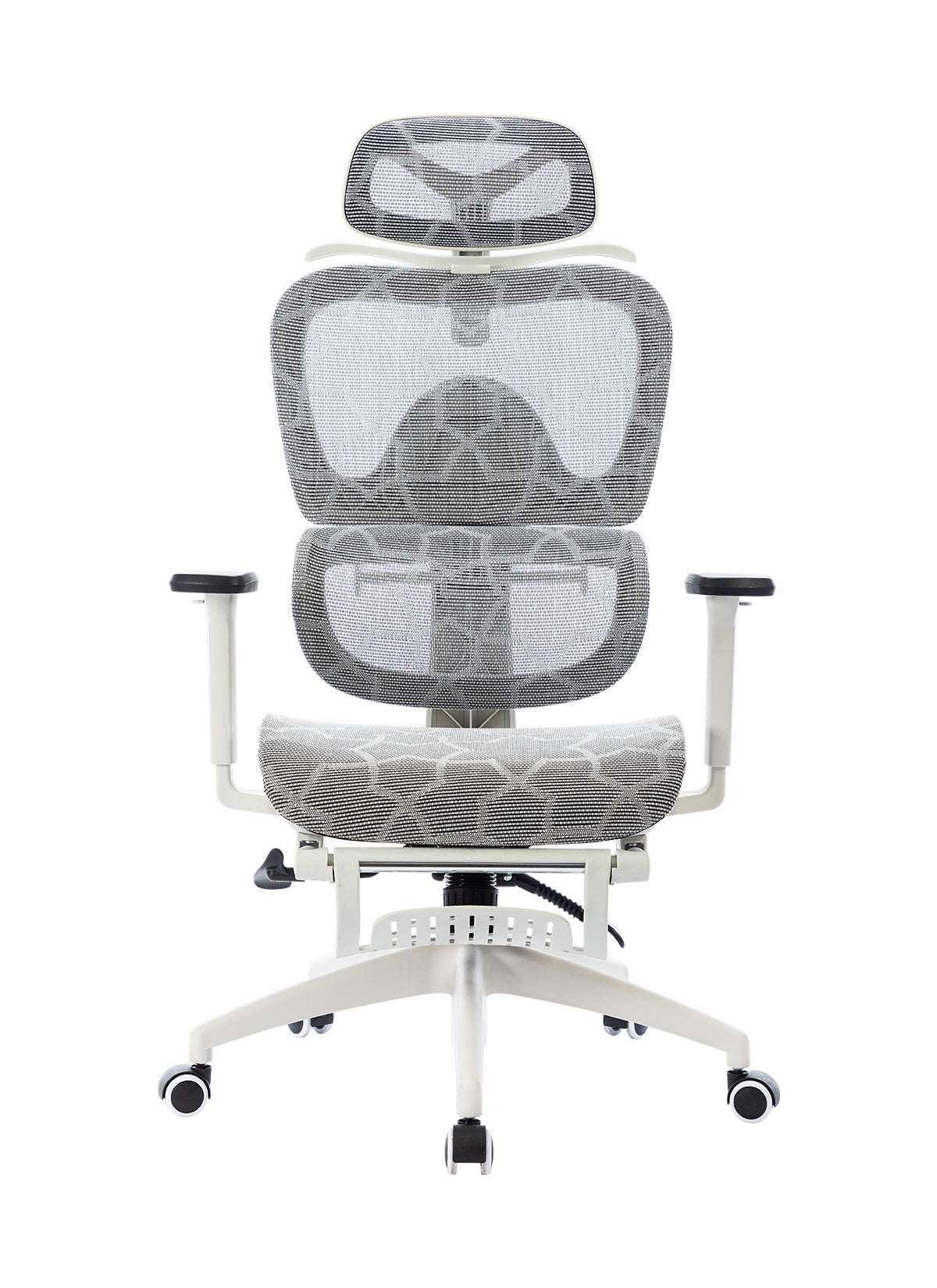
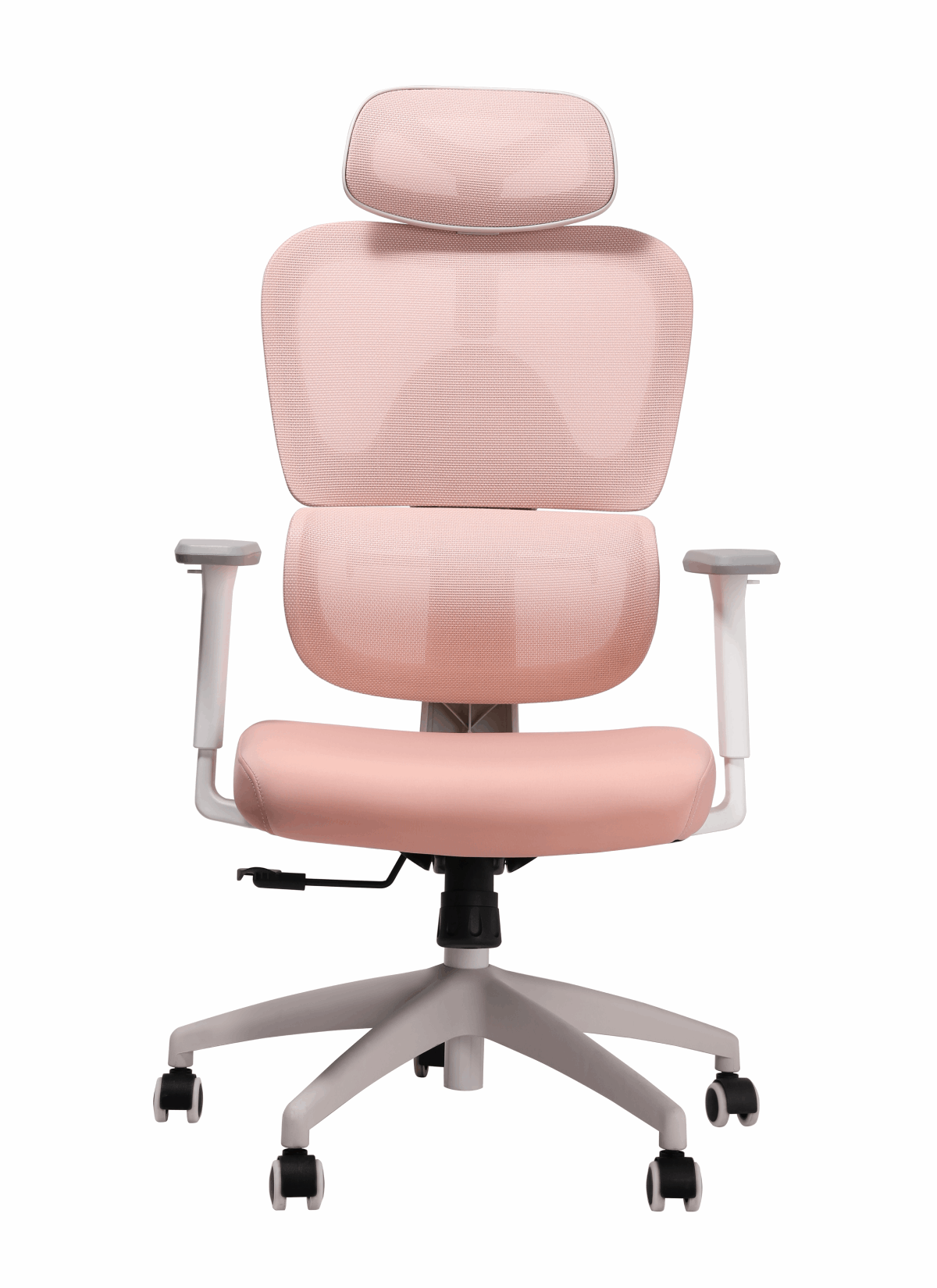

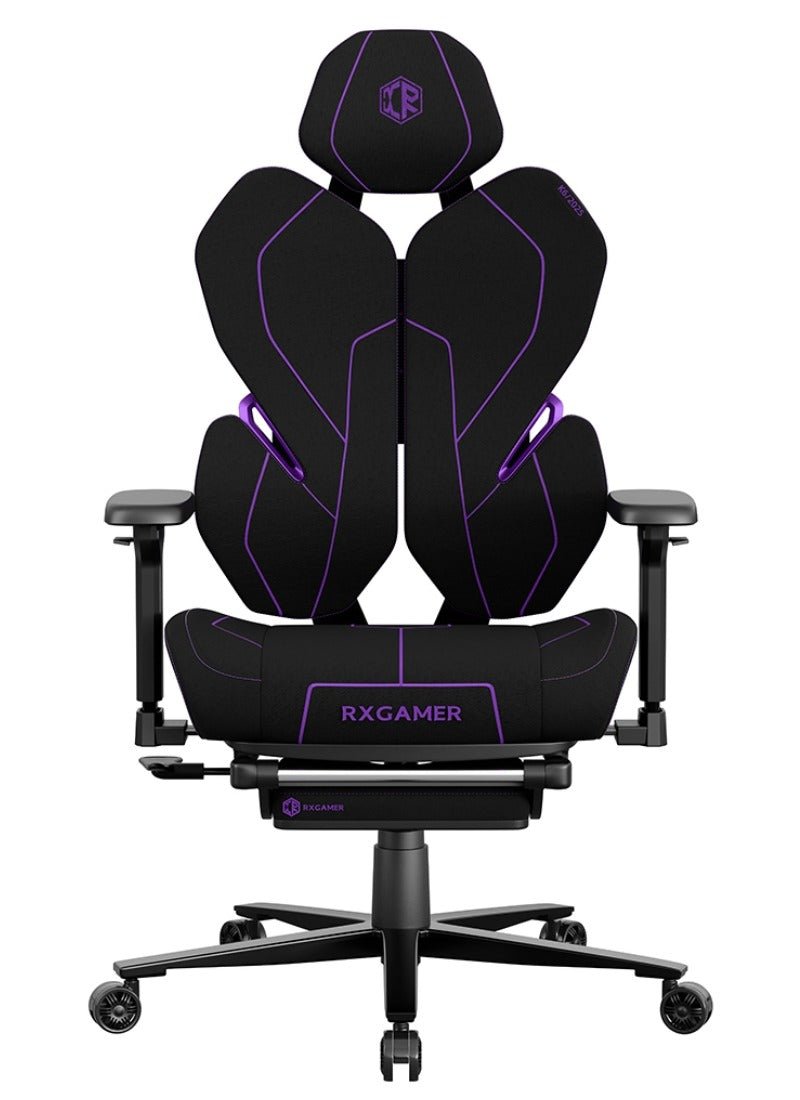
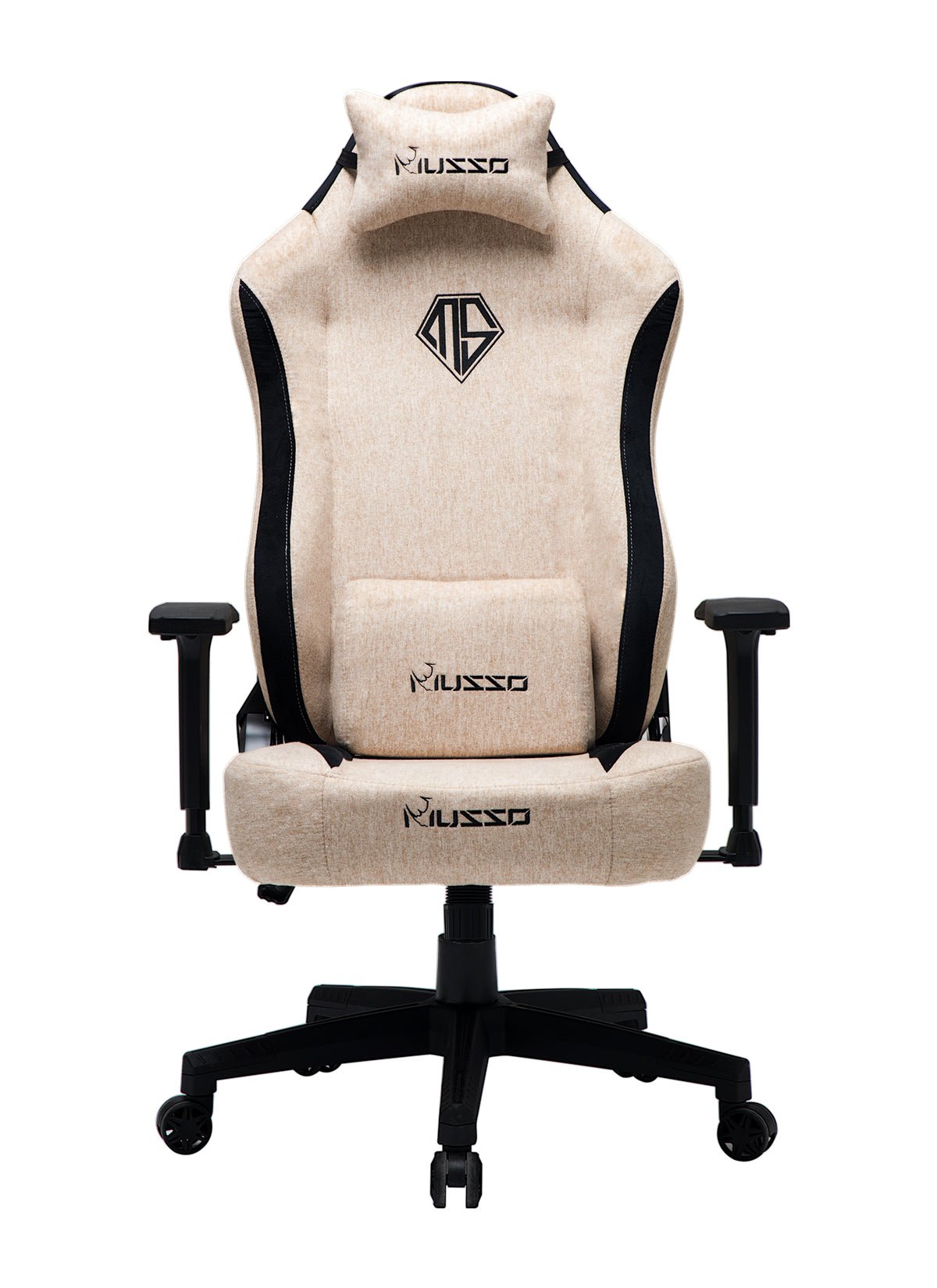
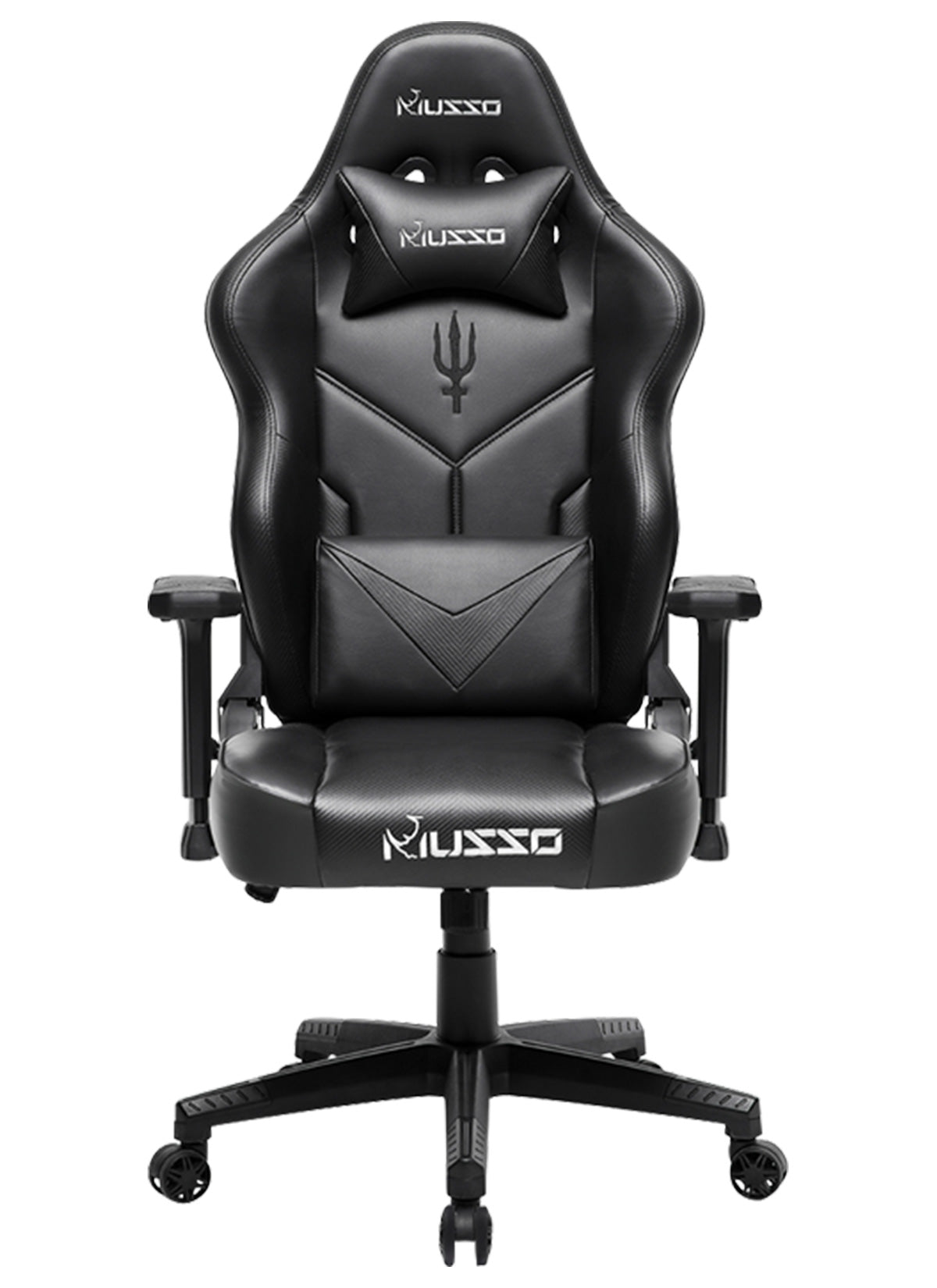
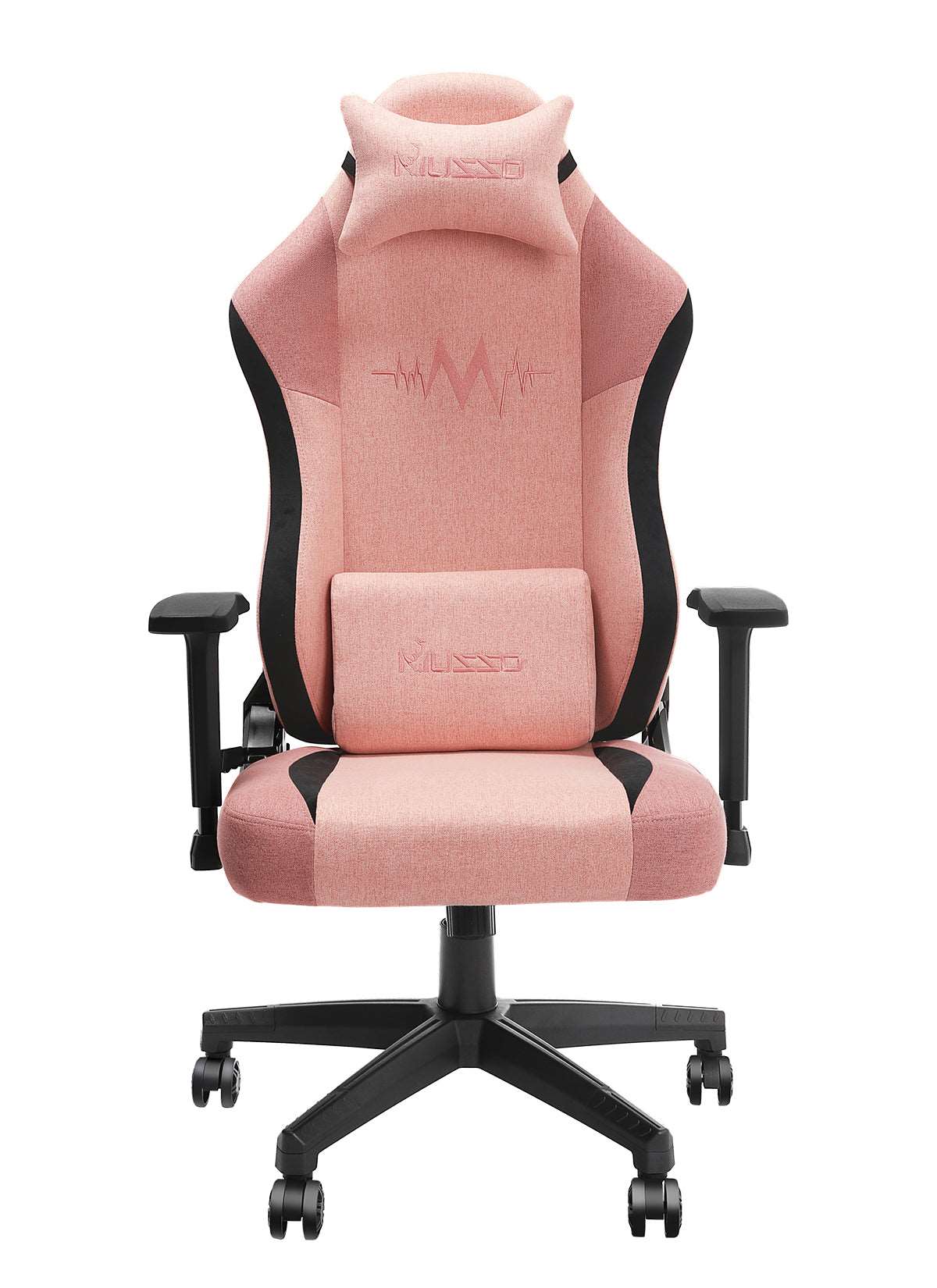
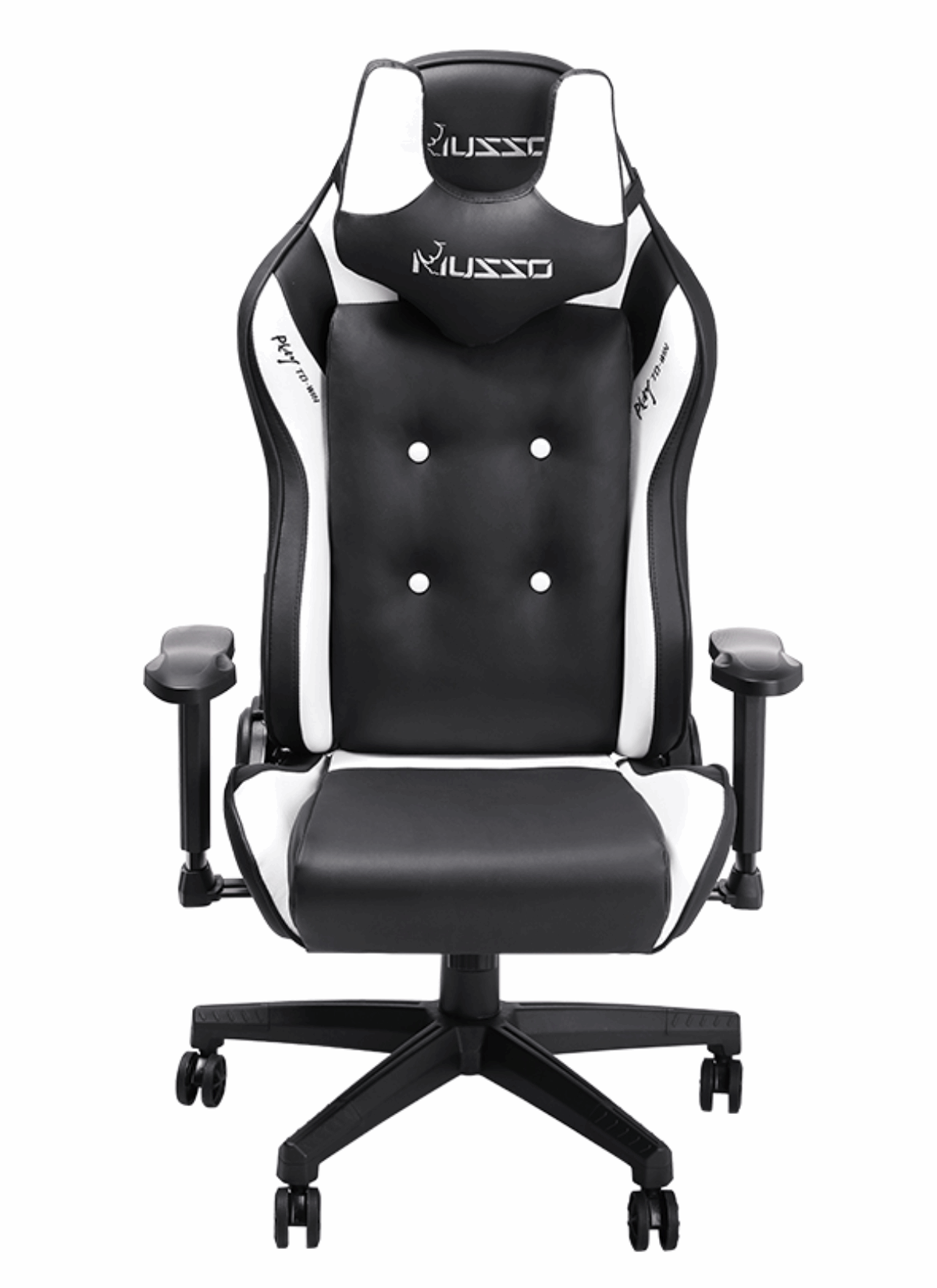


I. The Core Function of Armrests: More Than Just a “Place to Rest Your Hands”
1. Three Ideal Functions
Support and Pressure Relief:
Effectively distributes the weight of the shoulders, arms, and wrists, reducing the load on the neck and shoulder muscles. This helps prolong focus time and reduce fatigue.
Maintaining Correct Posture:
Armrests help maintain an elbow angle of approximately 90°, promoting natural spinal alignment and preventing poor posture such as shoulder shrugging and rounded shoulders.
Assisting with Standing Up and Movement:
Provides leverage when standing up or changing sitting positions, which is especially important for older users or those with limited mobility.

2. Potential Disadvantages and Risks
Space Intrusion:
Armrests may prevent the chair from being fully pushed under the desk, reducing space efficiency in smaller work areas.
Incorrect Use Leading to Injury:
Armrests set too high can cause shoulder shrugging, while armrests set too low may cause the body to lean to one side, potentially creating new ergonomic issues.
Restricted Movement:
Fixed armrests may hinder certain activities, such as pulling the keyboard closer, playing the guitar, or performing tasks that require free arm movement.
II. Key Decision Factors: What Will You Primarily Use Your Chair For?
1. Scenarios Where Armrests Are Recommended
Intensive Office Work or Gaming:
Long hours of keyboard and mouse use with arms suspended in the air benefit greatly from arm support.
Meetings and Negotiations:
Frequent writing, note-taking, and communication require forearm support.
Assisted Standing:
Helpful for users with weak core muscles, back issues, or for older individuals who need additional support when standing up.

2. Scenarios Where Armrests Are Not Necessary
Flexible Creative Work:
Activities such as drawing, design work, or playing musical instruments require frequent movement, rotation, and highly flexible hand positions.
High-Intensity Typing or Data Input:
When arms are primarily supported by the desktop, armrests may become unnecessary or even distracting.
Maximizing Space Efficiency:
For small workspaces or desks with limited clearance, armless designs allow the chair to fit neatly under the desk, making entry, exit, and storage easier.
III. What Should the “Perfect Armrest” Look Like? (Buying Guide)
If you decide to choose a chair with armrests, the following features are essential:
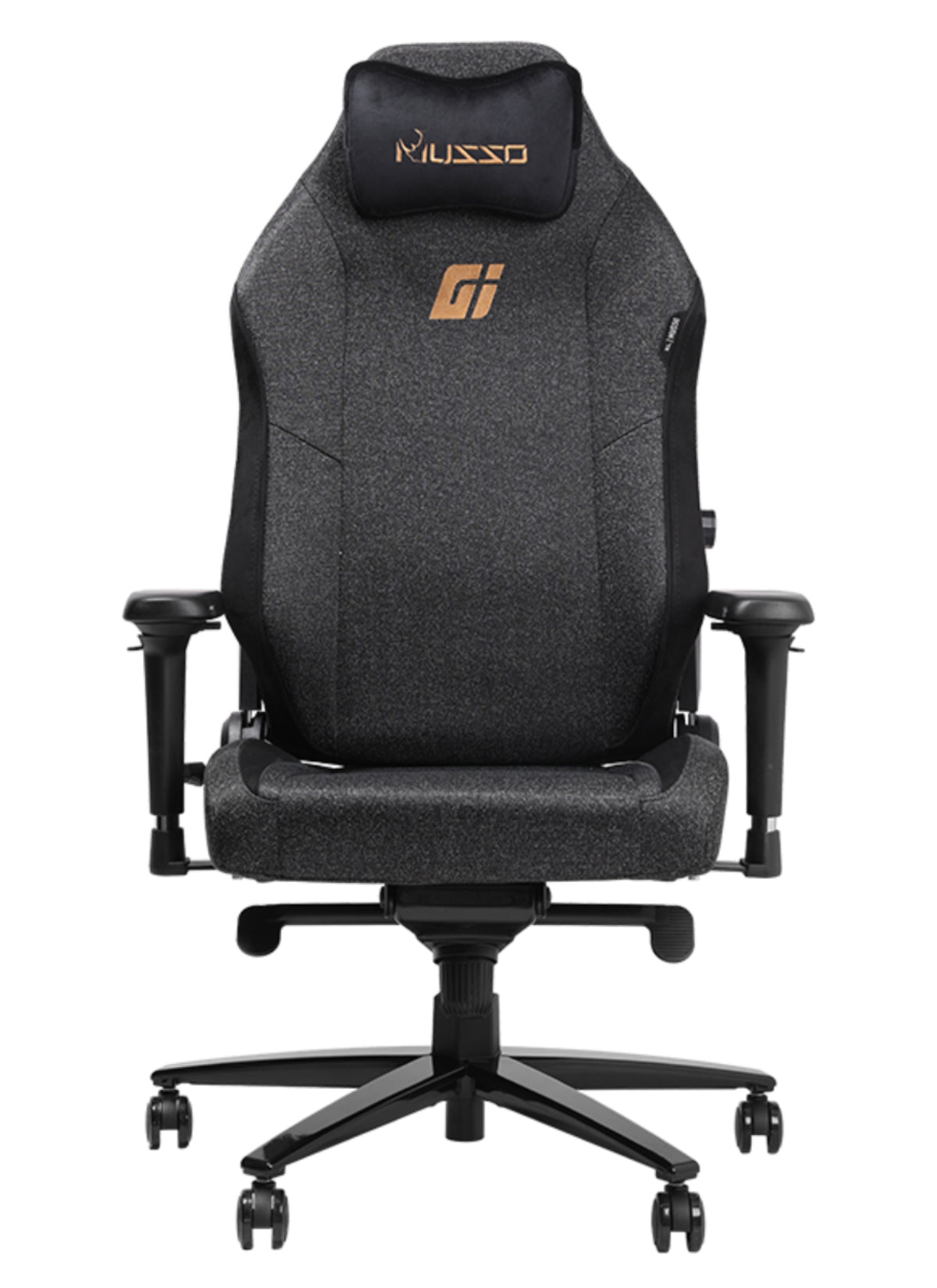
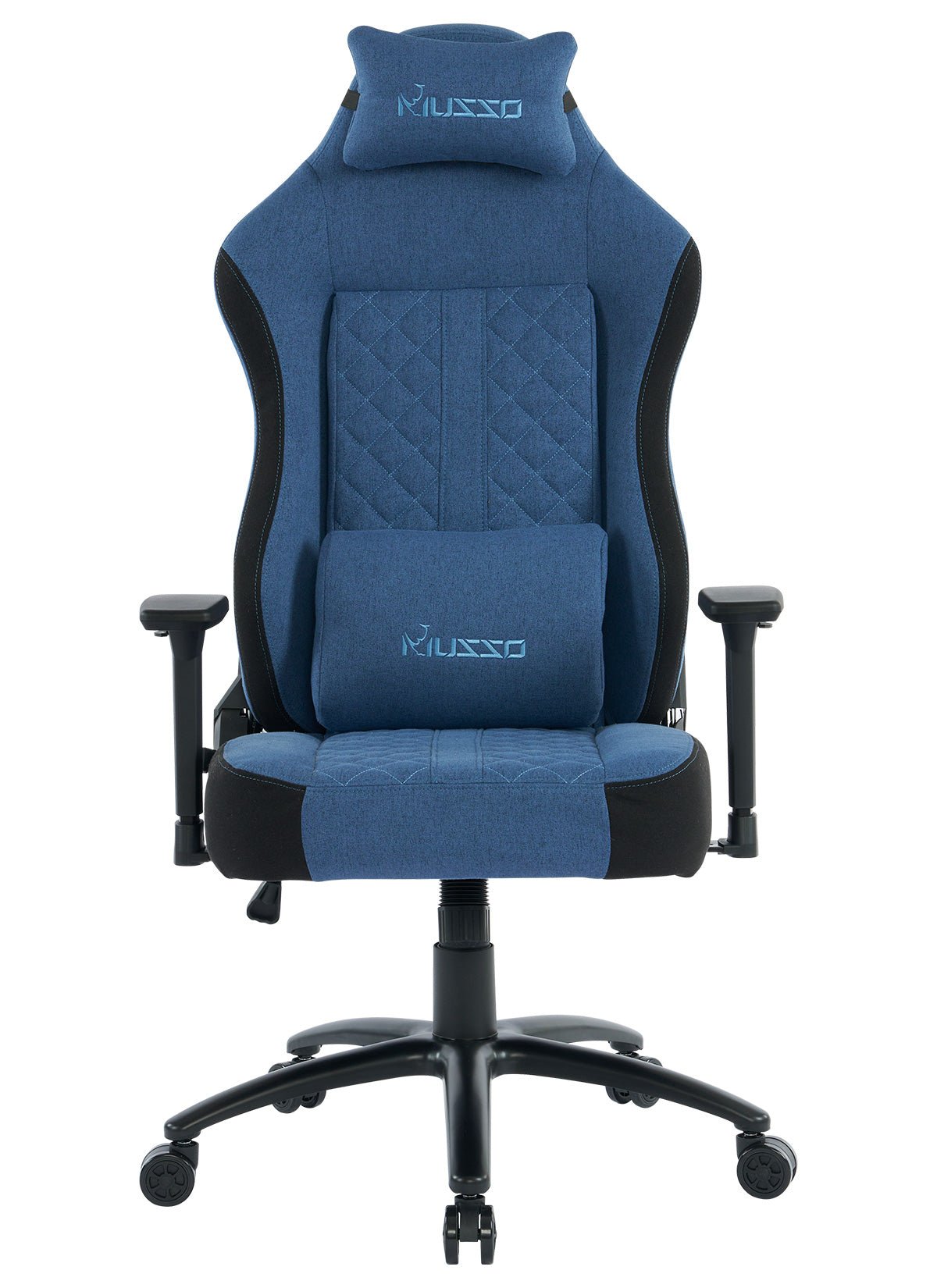
1. Must Be Adjustable
Height Adjustment:
Adapts to different body sizes and desk heights, helping maintain a 90° elbow angle.
Width Adjustment (Inward/Outward Sliding):
Accommodates different shoulder widths and allows the arms to rest naturally closer to the body.
Angle Adjustment (Optional):
Allows slight inward rotation of the armrest surface to better match the natural angle of the forearm.

2. Recommended Materials and Design
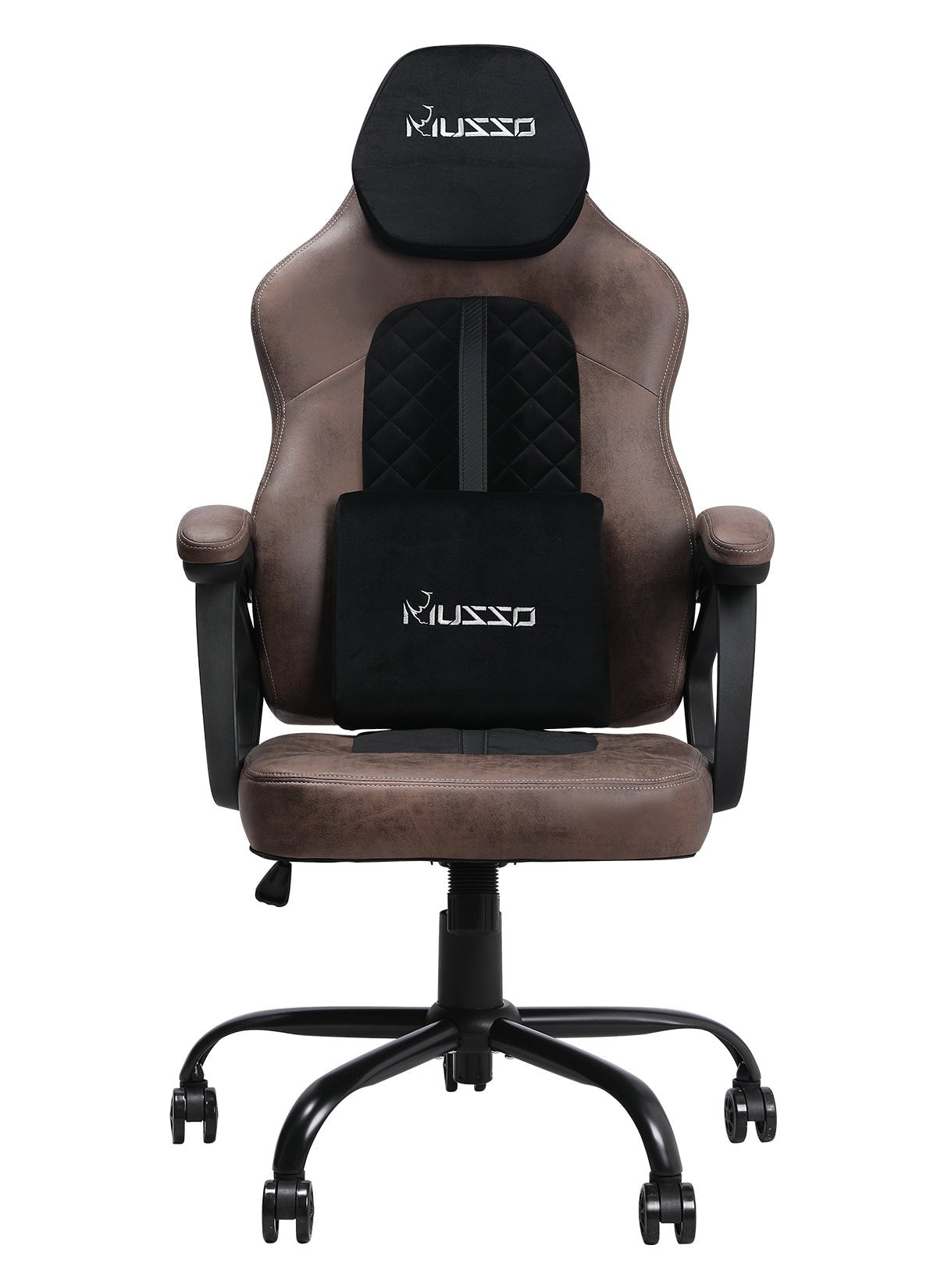
Soft, Resilient Surfaces:
Overly hard armrest edges can compress the ulnar nerve, potentially causing numbness or discomfort.
Sufficient Length:
Provides consistent support as the user shifts from an upright sitting posture to a more relaxed, reclined position.
IV. Personal Body and Habit Self-Assessment Checklist
Before purchasing, ask yourself:
How much time do I spend working away from the desk each day?
Are my current shoulder, neck, or wrist issues related to a lack of arm support?
Is my desk height fixed, and can it be easily matched to the chair?
Do I frequently turn, reach, or multitask while seated?
V. Conclusion and Recommendations
In most cases, high-quality adjustable armrests are recommended.They are an important preventative health investment, especially for people who work in fixed sitting postures for long periods.The key factor is adjustability. Poorly designed or non-adjustable armrests can be worse than having none at all.
For users with specific needs, chairs without armrests or with detachable armrests may be the better choice.Clearly define your work habits, physical condition, and space constraints. Functionality should always take priority over standard features.
The best way to judge is to try the chair yourself. Adjust the armrests until your elbows naturally form a 90-degree angle and your upper arms rest comfortably parallel to your torso. Notice whether your shoulders feel truly relaxed.
A good ergonomic chair should feel almost invisible—supporting you quietly without demanding attention.
The essence of an ergonomic chair lies in fit, not in standardized features. Armrests are not a simple yes-or-no decision, but a choice shaped by your body, workspace, and habits. Understanding the principles and clarifying your own needs is the key to finding a chair that genuinely supports you.
